Link Surveys You Can Share Anywhere
What Is a Link Survey?
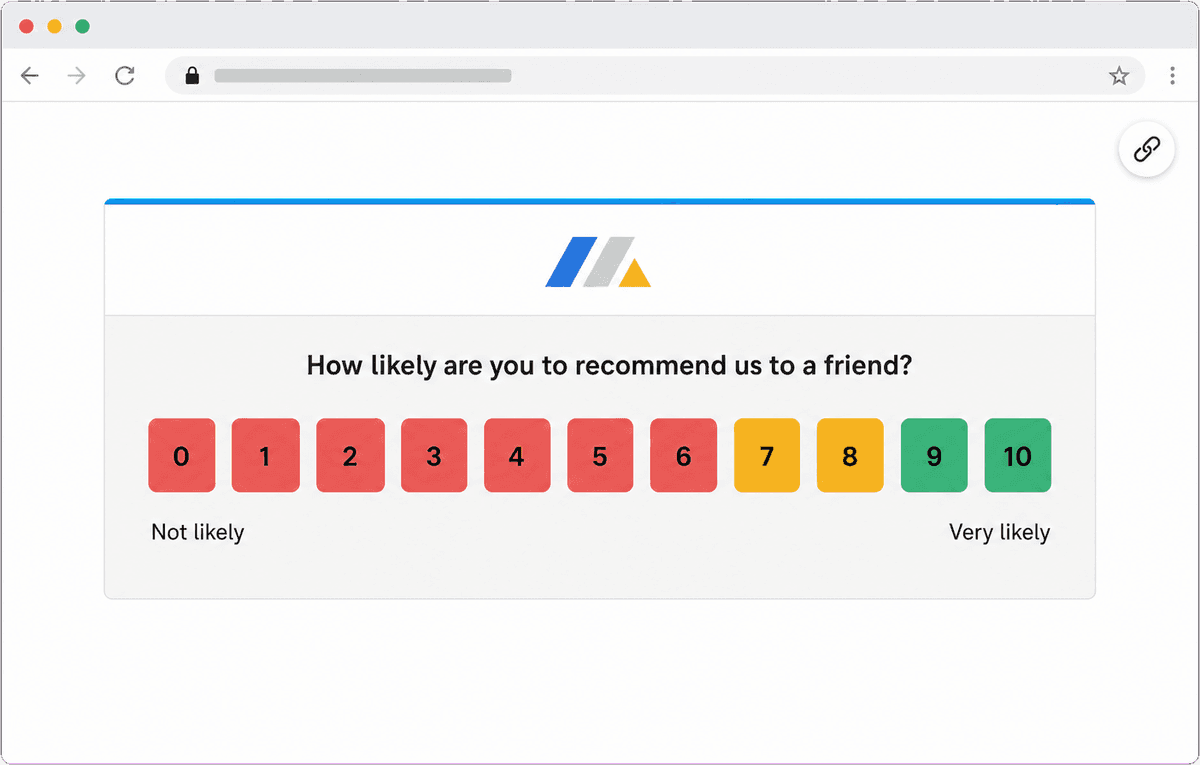
A link survey is a customer feedback survey that lives at a URL hosted by Retently. Instead of Retently sending the message for you, you copy the link from the campaign setup and distribute it yourself through any channel you like. People also call this a survey link, shareable survey, survey URL, hosted survey, standalone survey page, web survey link or QR code survey. They all mean the same thing: one address that opens an NPS, CSAT, CES, 5-star, emoji, thumbs up/down or Product-Market Fit survey in the respondent's browser.
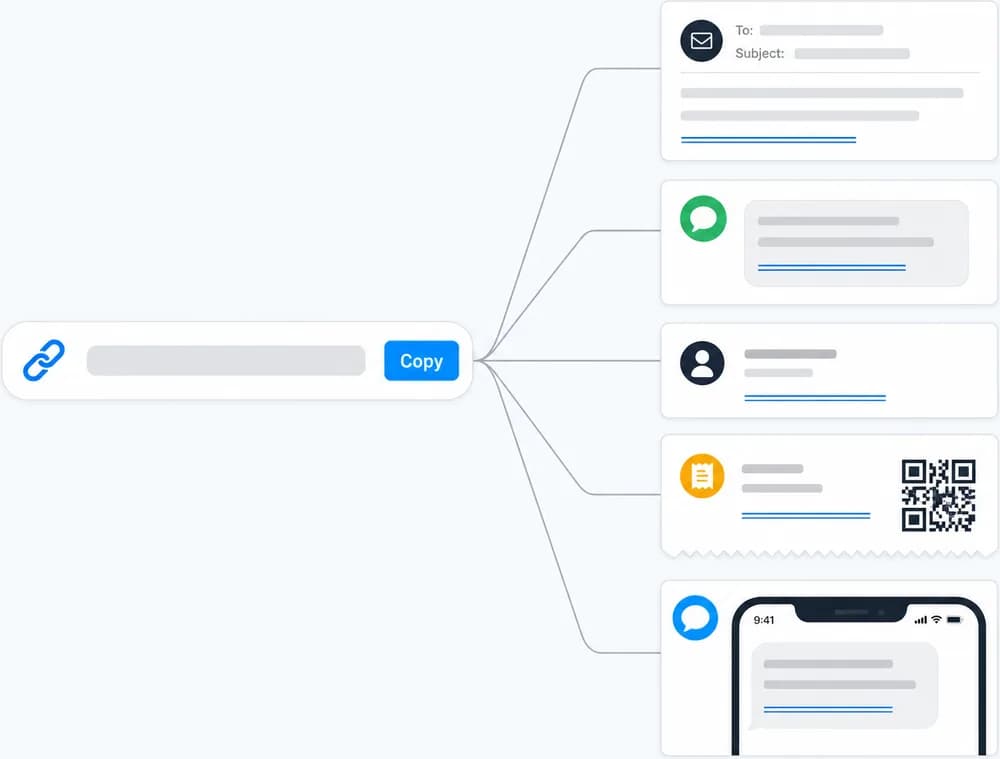
Link surveys are the most flexible way to collect feedback because they work with tools Retently never has to connect to. Put the link in a HubSpot, Klaviyo, Salesforce or Mailchimp-style email, add it to a Gorgias or Zendesk agent signature, drop it into a Kustomer text field, send it in a chat or an SMS, print it as a QR code on packaging or a receipt, or post it on social media. No contact list import is needed: when someone answers, a person record is created in Retently automatically.
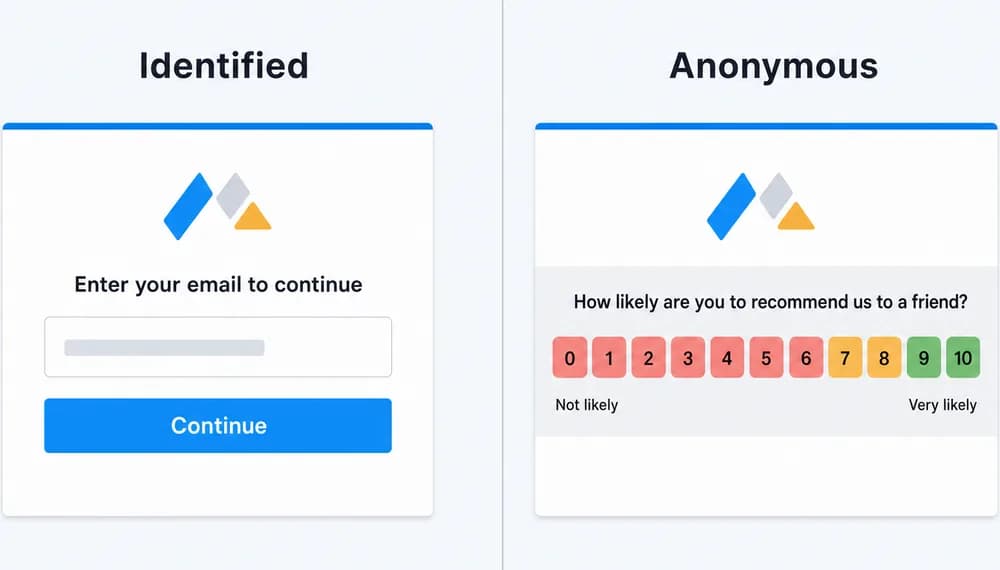
The same link can identify the respondent or stay fully anonymous. Append the customer's email address or Retently person id to the URL, for example through a merge variable in your email tool, and the respondent skips the "enter your email" step while the answer is tied to their contact record. Leave the URL plain and the survey asks for an email first, or switch the campaign to anonymous mode so responses are never linked to any person. Either way you get the same templates, branding, reporting, alerts and follow-up automation as every other Retently channel.
Why Use a Survey Link
A link survey separates the question from the delivery channel, so the tools you already use for communication become survey channels too.
Distribute through any tool you already use
Each campaign gets one unique URL. Copy it once and reuse it in your own email platform, helpdesk macros and signatures, chat replies, SMS templates, QR codes and social posts.
Because you control the sending, the survey can ride along with messages you already send: order confirmations, ticket resolutions, newsletters, invoices, onboarding emails.
Identified or anonymous, your choice
Add the customer's email or person id to the link and the response is attached to that contact with no extra typing on their side. Without it, the survey asks for an email first.
Or run the campaign fully anonymous for employee NPS, public feedback and any survey where honest answers depend on nobody being identified.
No contact list required
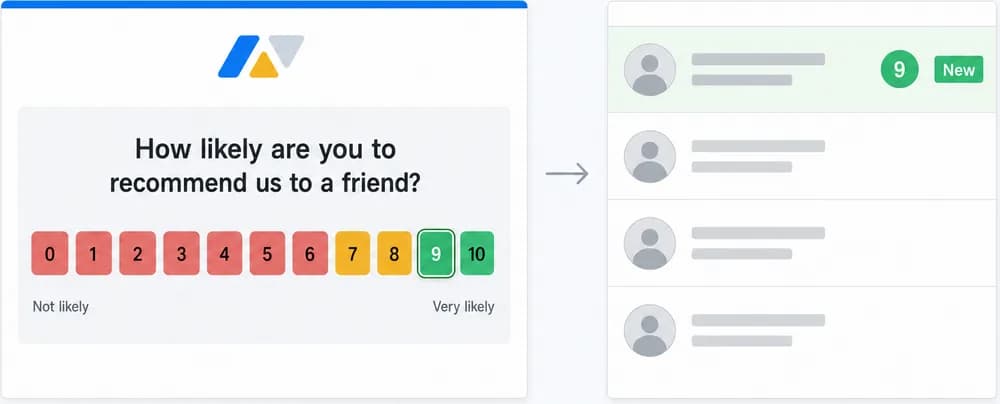
You do not need to import or sync anyone before sharing a link. Respondents are created in Retently at the moment they answer, together with their score and comments.
This makes link surveys a fast way to start a feedback program when your customer data lives in a tool that is not connected yet, or when you simply do not know in advance who will respond.
Same follow-up tools as every other channel
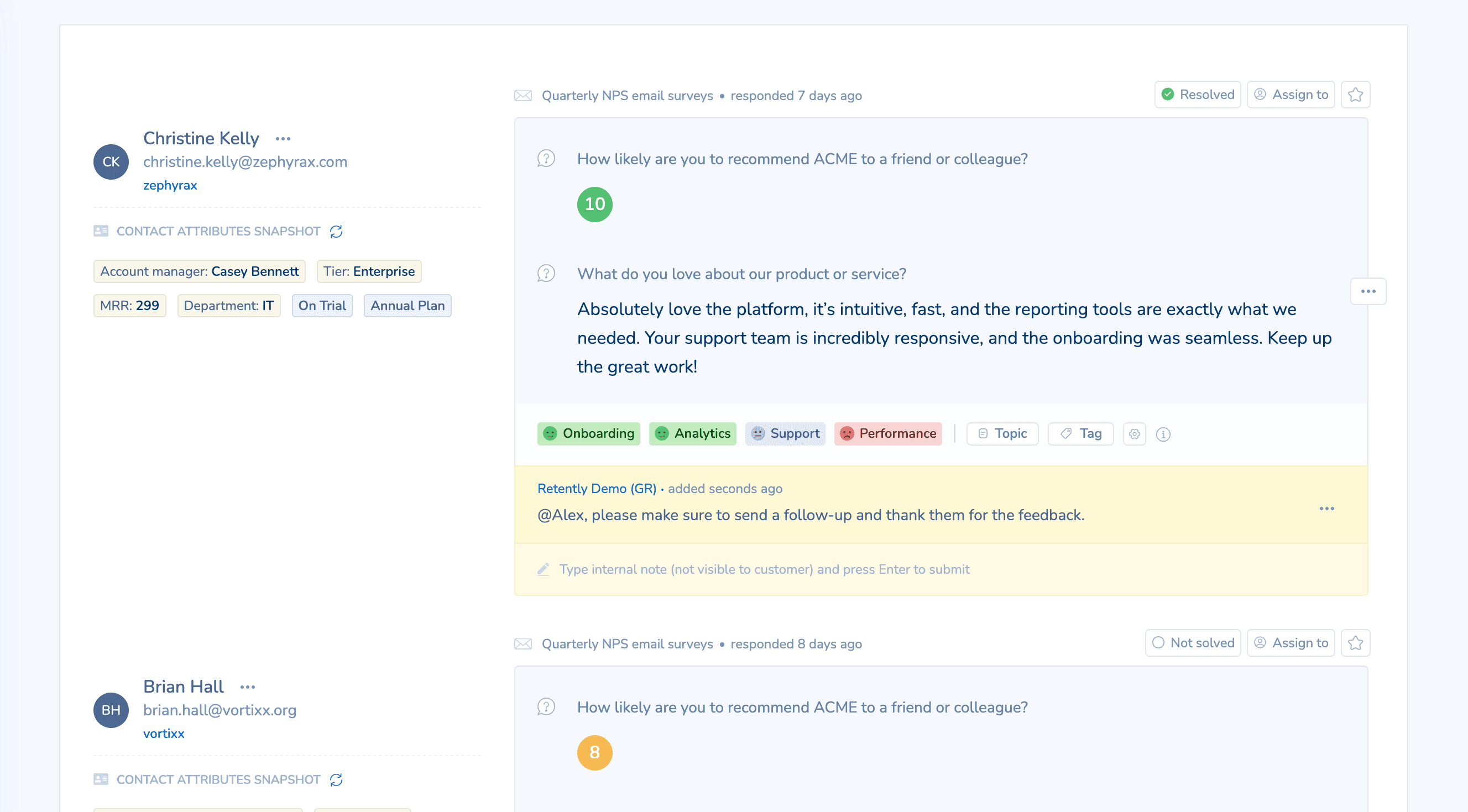
Branch follow-up questions by score so promoters, passives and detractors each see the right next question. Customize the thank-you page, for example with a link to your Google reviews profile for happy customers.
Configure reminders, alerts to email, Slack or Microsoft Teams, automated replies by score, outbound webhooks and exports to your CRM or helpdesk, exactly as you would for an email survey.
Common Ways to Use Link Surveys
Surveys from your own email platform
Paste the link into a HubSpot, Klaviyo, Salesforce or Mailchimp-style email and personalize it with a merge variable so each response is tied to the right contact.
Helpdesk signatures and macros
Add the survey to a Gorgias signature, a Zendesk macro or a Kustomer text field so every support reply invites a CSAT or CES rating.
QR codes on packaging and receipts
Print the link as a QR code on an order insert, receipt, menu or poster and collect feedback from customers who never gave you an email address.
Anonymous employee NPS
Share an anonymous link with your team by internal email or chat and measure eNPS without tying answers to individuals.
Social posts and community channels
Post the link in a newsletter, a community forum or social media to hear from followers and users outside your contact list.
One link per language or region
Create a campaign per language with its own template and share the matching link with each audience, all reporting into one account.
How Link Surveys Work in Retently
- 1
Create the survey
Choose NPS, CSAT, CES, 5-star, emoji, thumbs or Product-Market Fit, pick a template and apply your logo, colors and language. Decide whether responses should be identified or anonymous. - 2
Copy the link
Each campaign has one unique URL in its setup. To identify respondents, append their email address or Retently person id, for example with a merge variable from your email or SMS tool. - 3
Share it through any channel
Paste the link or a button pointing to it into your email platform, helpdesk signature, chat, SMS template, QR code or social post. No contact list import is needed. - 4
Collect, analyze and follow up
Responses arrive in Retently reports with AI topic and sentiment analysis. Set reminders, alerts, automated replies by score, webhooks and exports to your CRM or helpdesk.
Link Survey vs Embedded Survey: What Is the Difference?
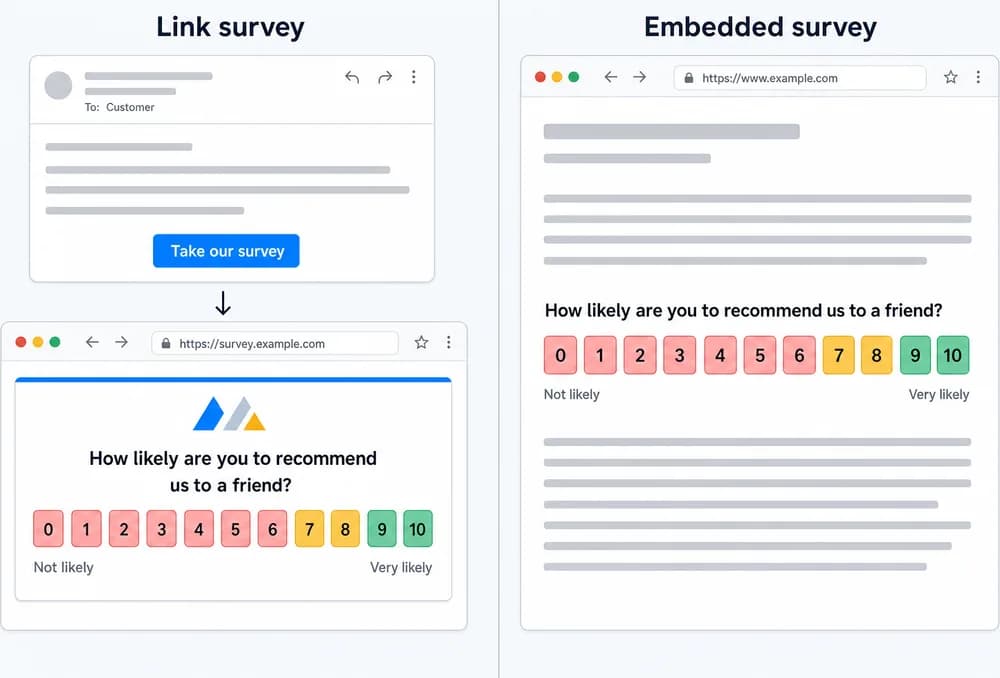
A link survey is a URL hosted by Retently. You paste that URL, a button pointing to it or a QR code into any message or page, and the respondent clicks through to answer on a Retently-hosted survey page in their browser.
An embedded survey is different: it is rendered inside your own web page as part of the page content, through the Retently website script, with no pop-up, no overlay and no redirect. People also call it an inline survey, on-page survey or website survey widget.
Putting a survey link or score buttons into an email is not an embedded survey. That is a link survey distributed by email. If you want the survey to appear inside a web page rather than at a link, see Embedded Surveys. If you want several people to answer one after another on a shared tablet, kiosk mode is a setting of a link survey, described on Kiosk Surveys.
Combine It With Other Survey Channels
Every channel feeds the same contact records, reports and automations, so you can mix them freely and compare results side by side.
Email Surveys
Personalized surveys delivered to the inbox, on a schedule or right after a purchase, ticket or milestone.
SMS Surveys
Text-message surveys sent through your SMS platform with a Retently survey link.
Kiosk Surveys
A tablet or touchscreen survey station for stores, clinics, events and reception desks.