Kiosk Surveys for Stores, Clinics, Events and Front Desks
What Is a Kiosk Survey?
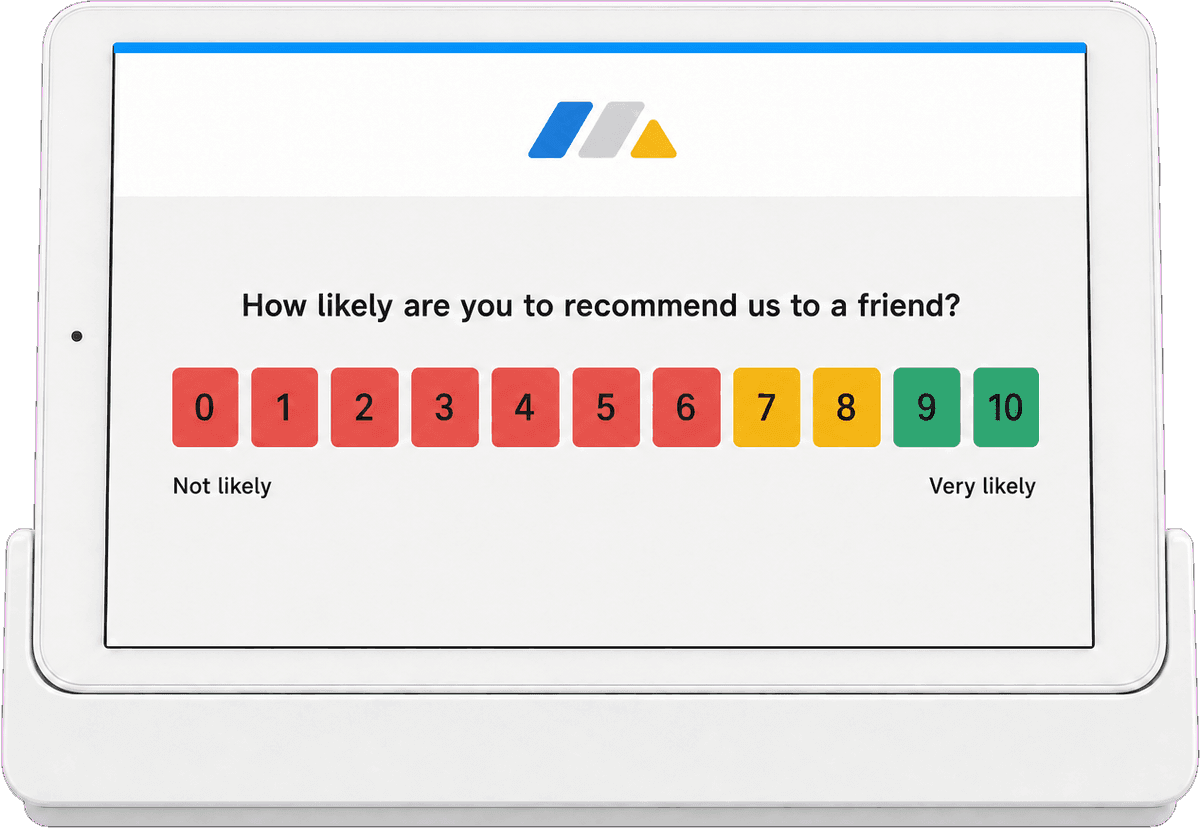
A kiosk survey is a customer feedback survey that runs on a shared device in a physical location. A tablet, touchscreen or any computer with a browser shows one question at a time, a person taps an answer, and the screen returns to the first question for the next person. People also call this a tablet survey, an in-store survey, a point-of-sale survey, an on-site survey, a touchscreen feedback terminal, a feedback kiosk, a walk-up survey station, or a smiley terminal alternative. They all describe the same idea: feedback collected in person, at the moment of the experience, without sending anything to anyone.
In Retently, kiosk mode is a setting on a link survey. You create the survey as usual, turn on kiosk mode, open the survey URL in a full-screen browser on the device, and the station is ready. There is no app to install, no dedicated hardware to buy and no software license for the device. A spare iPad, an Android tablet, a laptop or a touchscreen monitor all work the same way.
Kiosk surveys can be anonymous, so nothing personal ever appears on a screen in a public place, or identified, where the respondent types their email or staff pre-fill it so you can follow up later. Either way, responses land in Retently next to your email, link, in-app and website feedback, with the same NPS, CSAT, CES, 5-star, emoji, thumbs up/down and Product-Market Fit metrics, the same AI topic and sentiment analysis, and the same alerts to email, Slack or Microsoft Teams.
Why Collect Feedback on a Kiosk
In-person feedback catches the experience while it is still fresh and reaches customers you may have no email address for.
Feedback at the moment of the experience
A customer leaving a store, a patient walking out of a clinic or a guest checking out of a hotel remembers exactly how the visit went. A kiosk asks the question right then, instead of hours later in an inbox.
You also hear from walk-in customers, cash buyers and visitors who never shared an email address, which no scheduled survey could reach.
Resets itself between respondents
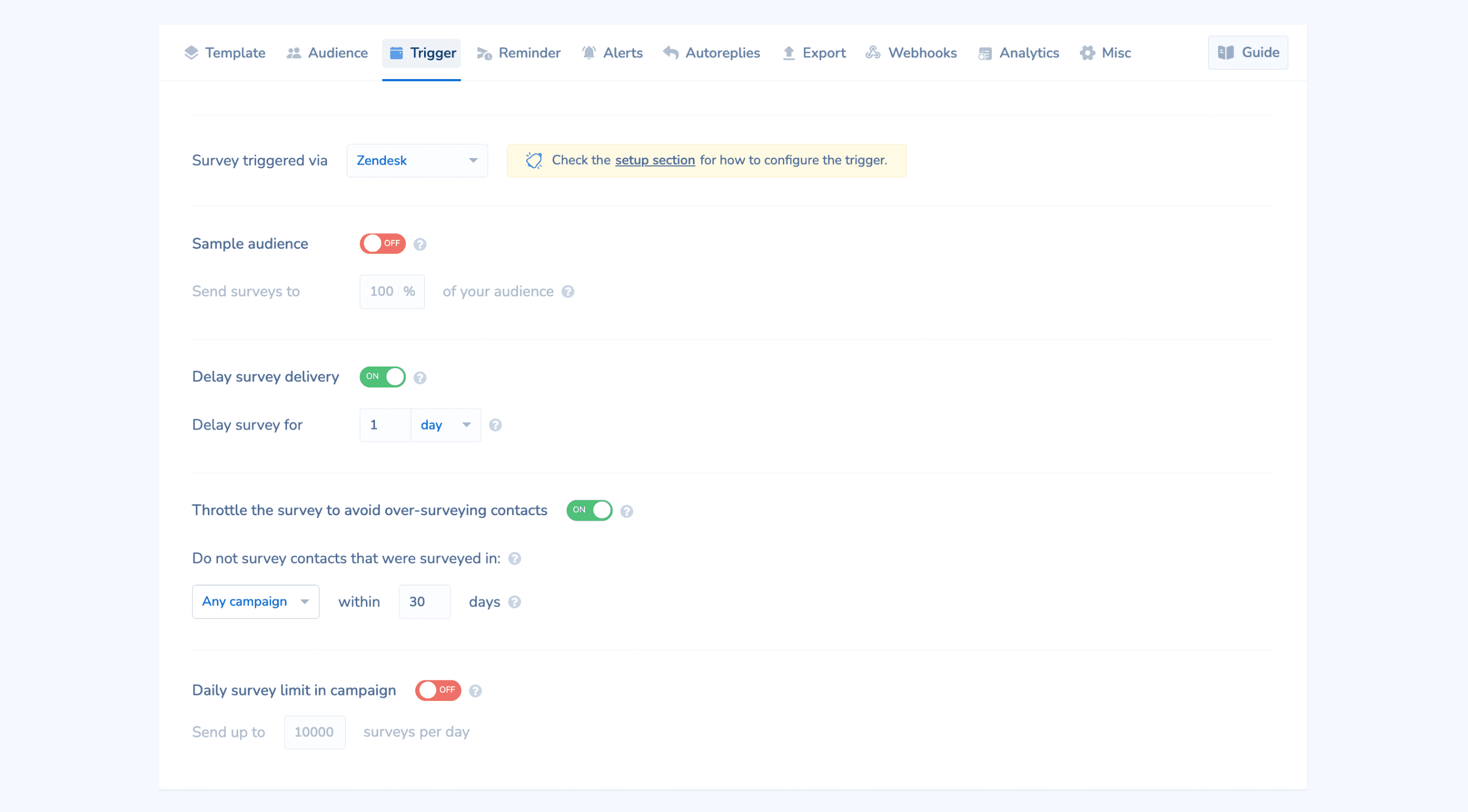
Kiosk mode handles the shared-device problem for you. After a response, the survey shows a thank-you screen with a countdown and returns to the first question. If someone walks away mid-survey, it resets after the idle time you set.
You control the idle timeout in seconds or minutes and how long the thank-you page stays on screen, so the station matches the pace of your location.
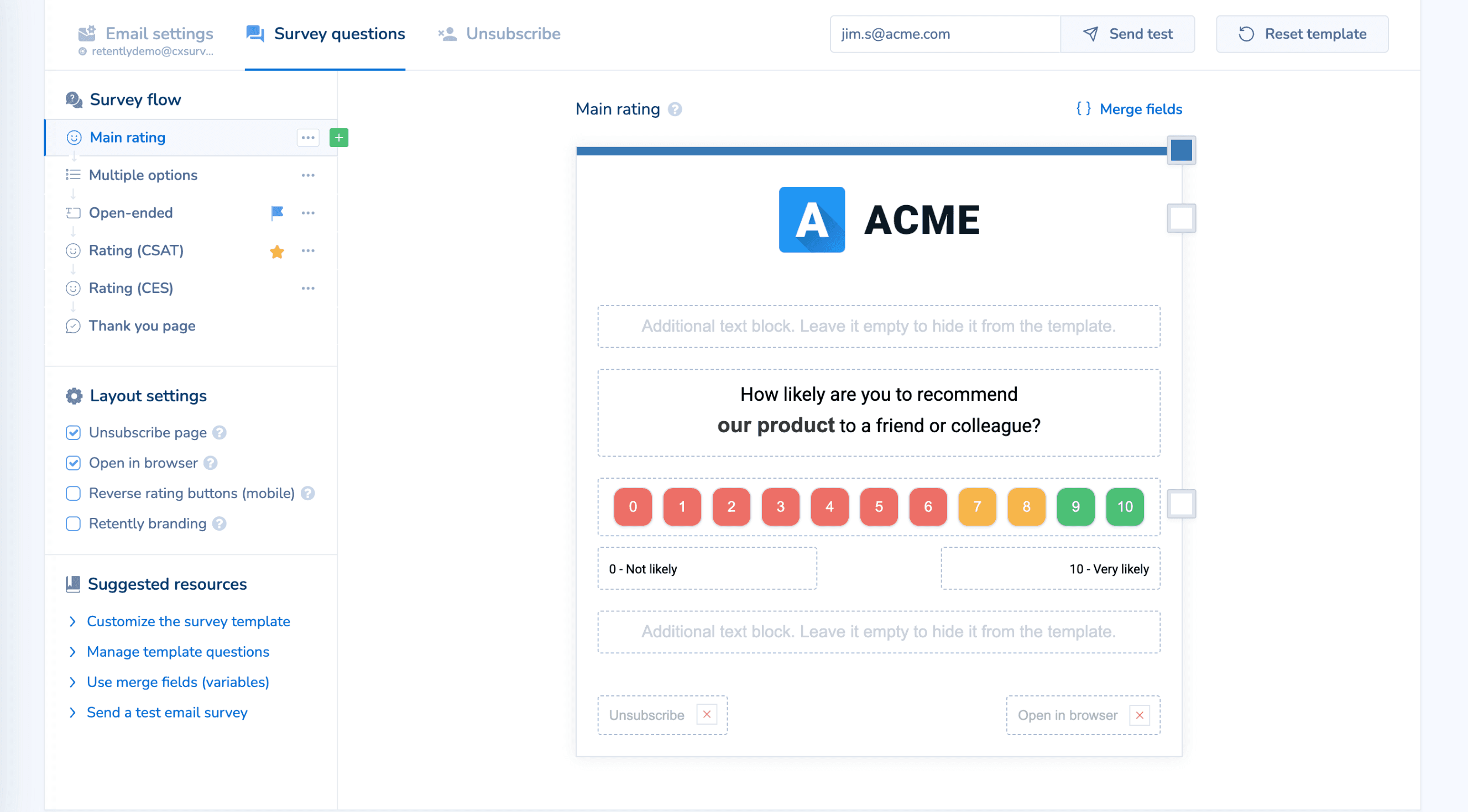
Anonymous or identified, your choice
Run the kiosk anonymously when privacy matters, such as a waiting room or a public counter. No names, no emails, nothing personal on screen.
Or ask for an email at the end, let staff pre-fill it, or point a QR code with the customer's details at the same survey. Identified responses are tied to the contact, so detractor alerts and automated follow-ups work exactly as they do for email surveys.
Same reports, alerts and integrations
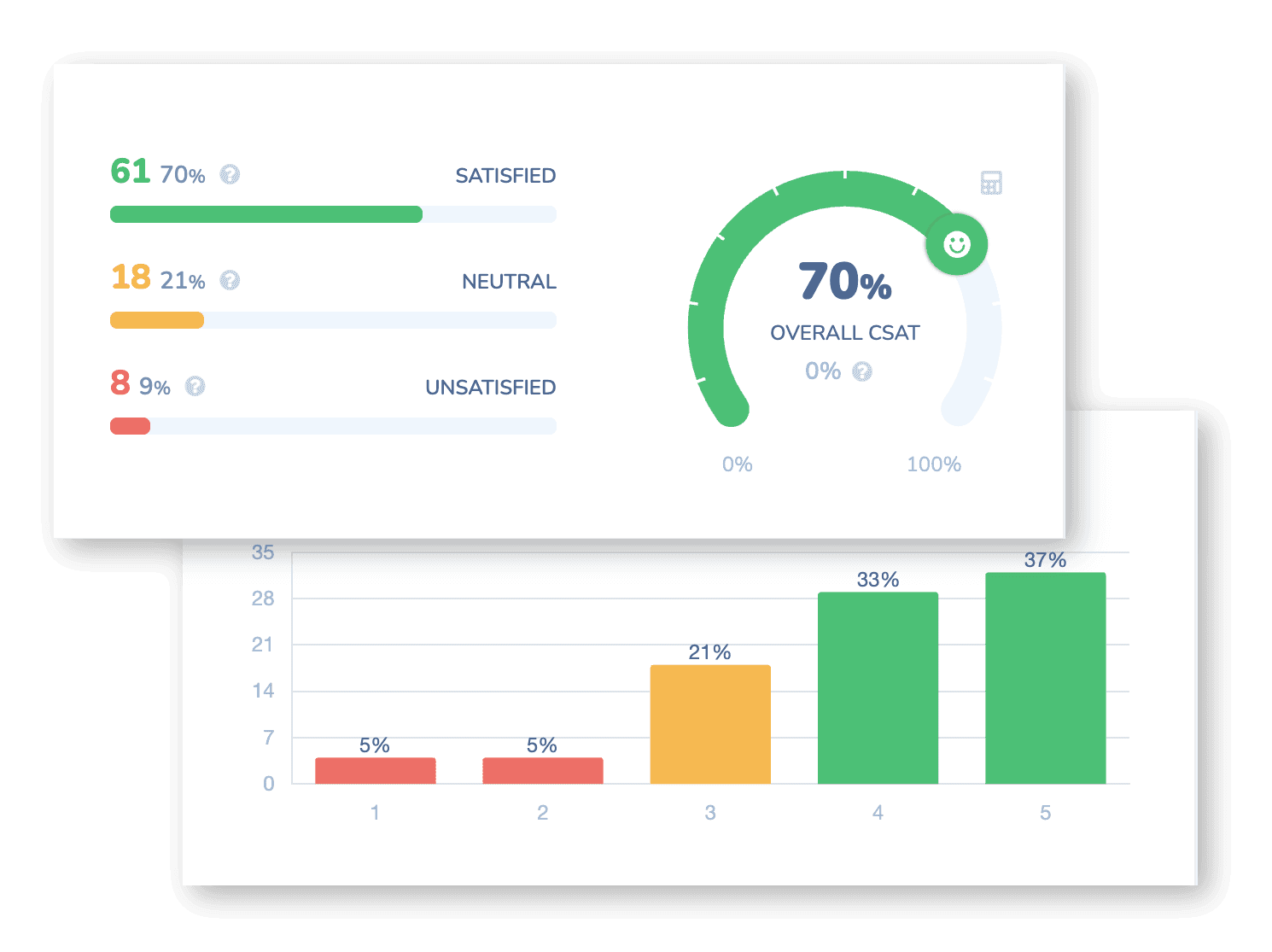
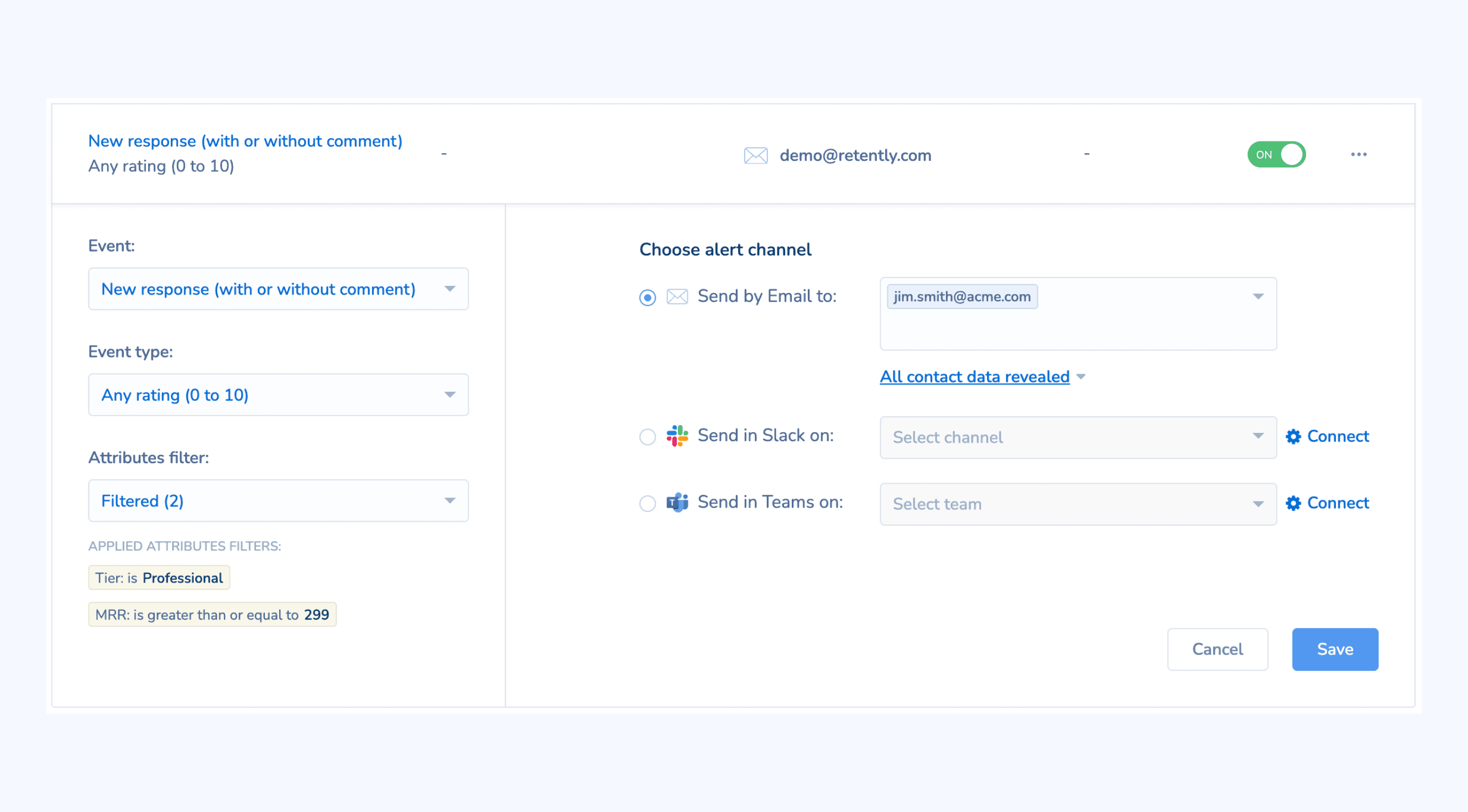
Kiosk responses are not a separate silo. They flow into the same dashboards as every other channel, get the same AI topic and sentiment analysis, and can be segmented by location or campaign.
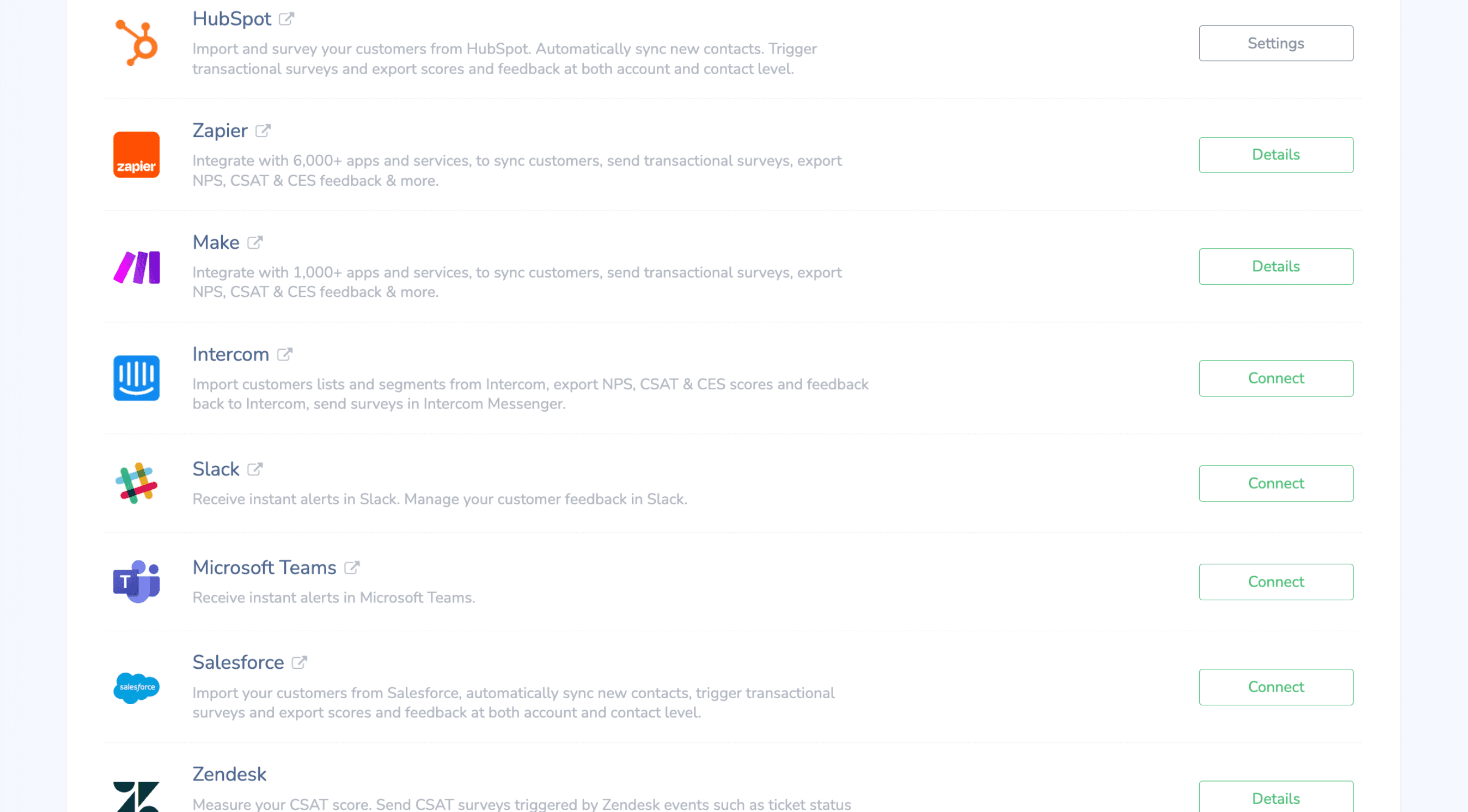
Trigger alerts to Slack or Microsoft Teams when a low score comes in, fire an outbound webhook, or push identified responses to HubSpot, Salesforce, Zendesk and the rest of your stack.
Where Kiosk Surveys Work Best
Retail checkout and exit
A tablet by the register or the door asks shoppers to rate the visit before they leave, including cash customers you could never email.
Hotel and restaurant reception
Capture a rating at checkout or when the bill arrives, while the stay or the meal is still top of mind.
Clinics and healthcare waiting rooms
Run an anonymous satisfaction survey on a waiting-room tablet so patients can be honest without anything personal on screen.
Events and conferences
Place a station at the exit of a session or booth and collect attendee feedback on the spot, with no badge scanning needed.
Offices and coworking spaces
Measure how members and employees feel about the space, the front desk or the facilities with a walk-up survey in the lobby.
Bank and service branches
Ask visitors to rate their branch visit after a teller or advisor interaction and compare results across locations.
How Kiosk Surveys Work in Retently
- 1
Create a link survey
Pick NPS, CSAT, CES, 5-star, emoji, thumbs or Product-Market Fit, add your logo, colors and language, and keep it short: one rating and an optional comment is ideal for a walk-up station. - 2
Turn on kiosk mode
In the survey settings, enable kiosk mode, choose whether the survey is anonymous or asks for an email, set the idle reset time and the thank-you page duration. - 3
Open the URL on the device
Copy the survey link, open it in a full-screen browser on your tablet, touchscreen or laptop, and place the device where customers will see it. No app and no extra hardware required. - 4
Watch responses come in
Every answer appears in your reports with AI topics and sentiment. Set alerts for low scores, compare locations with segments, and follow up with identified respondents automatically.
Kiosk Mode Is a Setting, Not a Separate Product
Retently does not sell or ship kiosk hardware. Kiosk mode is an option on a regular link survey that makes the survey suitable for a shared device: full-screen display, automatic reset between respondents and a timed thank-you page. Any tablet, touchscreen or computer with a modern web browser can run it.
That means you can start a kiosk today with a device you already own, and the same survey link can also be sent by email, printed as a QR code or shared in chat. Responses from all of them are reported together or split by campaign, however you prefer.
If you want to distribute the same survey without a physical station, see link surveys. If you want visitors to leave feedback on your website whenever they choose, see the feedback button.
Combine It With Other Survey Channels
Every channel feeds the same contact records, reports and automations, so you can mix them freely and compare results side by side.
Link Surveys
One shareable survey URL you can paste into any message, signature, QR code or chat.
Feedback Button
An always-on feedback tab on your site that visitors open whenever they have something to say.
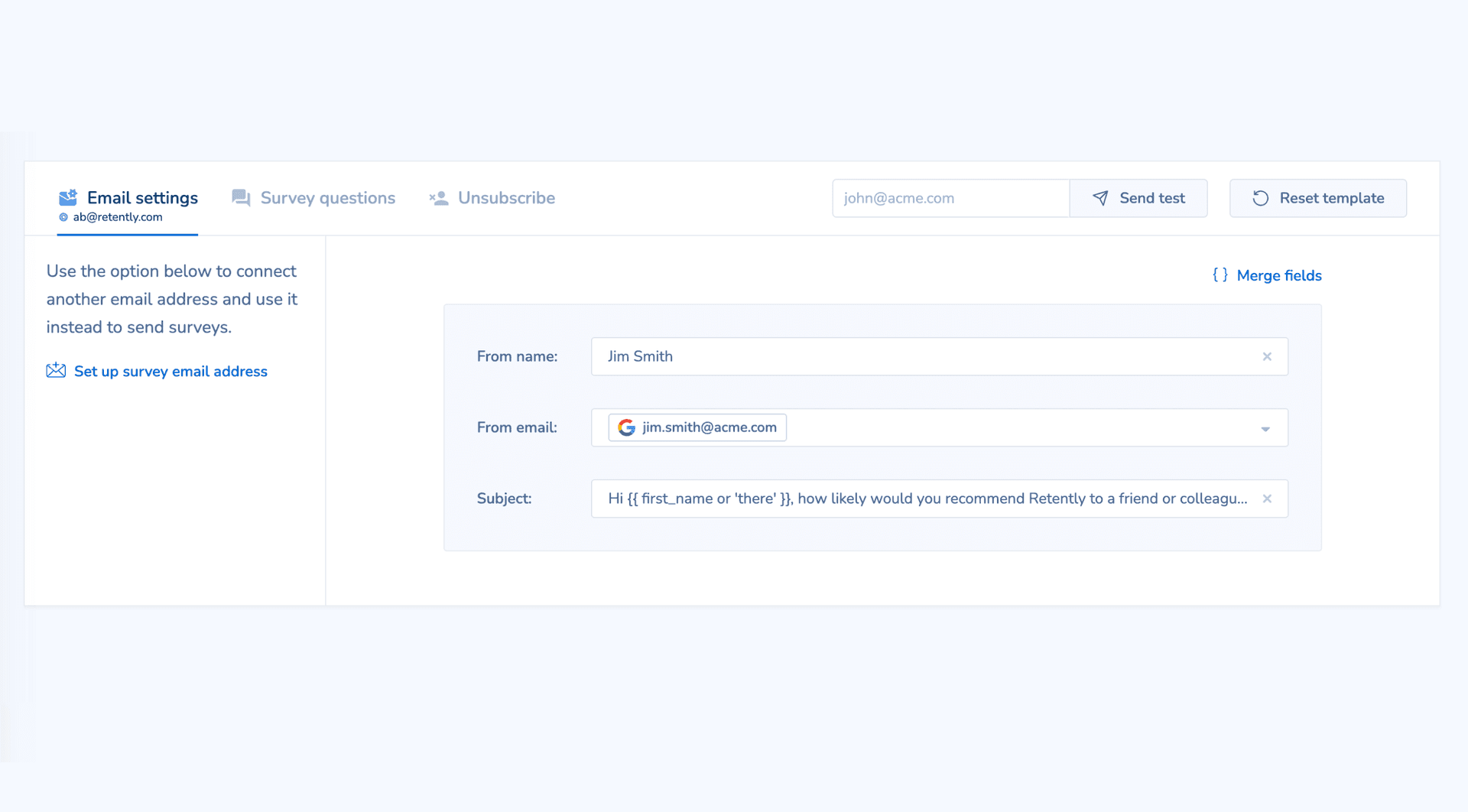
Email Surveys
Personalized surveys delivered to the inbox, on a schedule or right after a purchase, ticket or milestone.