Quick Snapshot
What triggers a survey?
A Shopify order. Send right after checkout, or wait until the order is marked fulfilled so customers answer with the product in hand.
What arrives with the response?
The order behind it. Products, SKUs, order value, coupons, order tags, fulfillment status, shipping destination, and the buyer's lifetime order history.
What can you do with it?
Score by product, variant, discount code, sales channel, store location, or country. Then survey only the orders you actually care about.
What Shopify Sends With Every Response
These attributes arrive with the order and stay attached to the answer. Every one of them can be used to target a campaign, filter a report, or build a trend.
The customer
Their history with you at the moment they answered, not a static list they were imported from.
- Returning customer
- Total orders
- Total spent
- Last order
The order
The transaction that triggered the survey, exactly as Shopify recorded it.
- Order number
- Order ID
- Order date
- Total price
- Order items
- Coupons
- Order tags
- Fulfillment status
- Fulfillment date
The products
Down to the variant, so a problem with one size or colour does not hide inside a product average.
- Product name
- Base SKU
- Full SKU
- Product price
Channel and destination
Where the order was placed and where it was going, for brands selling across storefronts and markets.
- Order channel
- Store location
- Shipping country
- Shipping state
- Shipping city
- Shipping zip
Choose which of these appear on your responses, and use any of them as a filter across the dashboard, reports, and trends, or pull them through the REST API and the Retently MCP server.
Built for DTC Brands on Shopify
Most survey tools give you a score and a comment. Retently gives you the score, the comment, and the order that caused it.
Survey on the Order Event That Matters
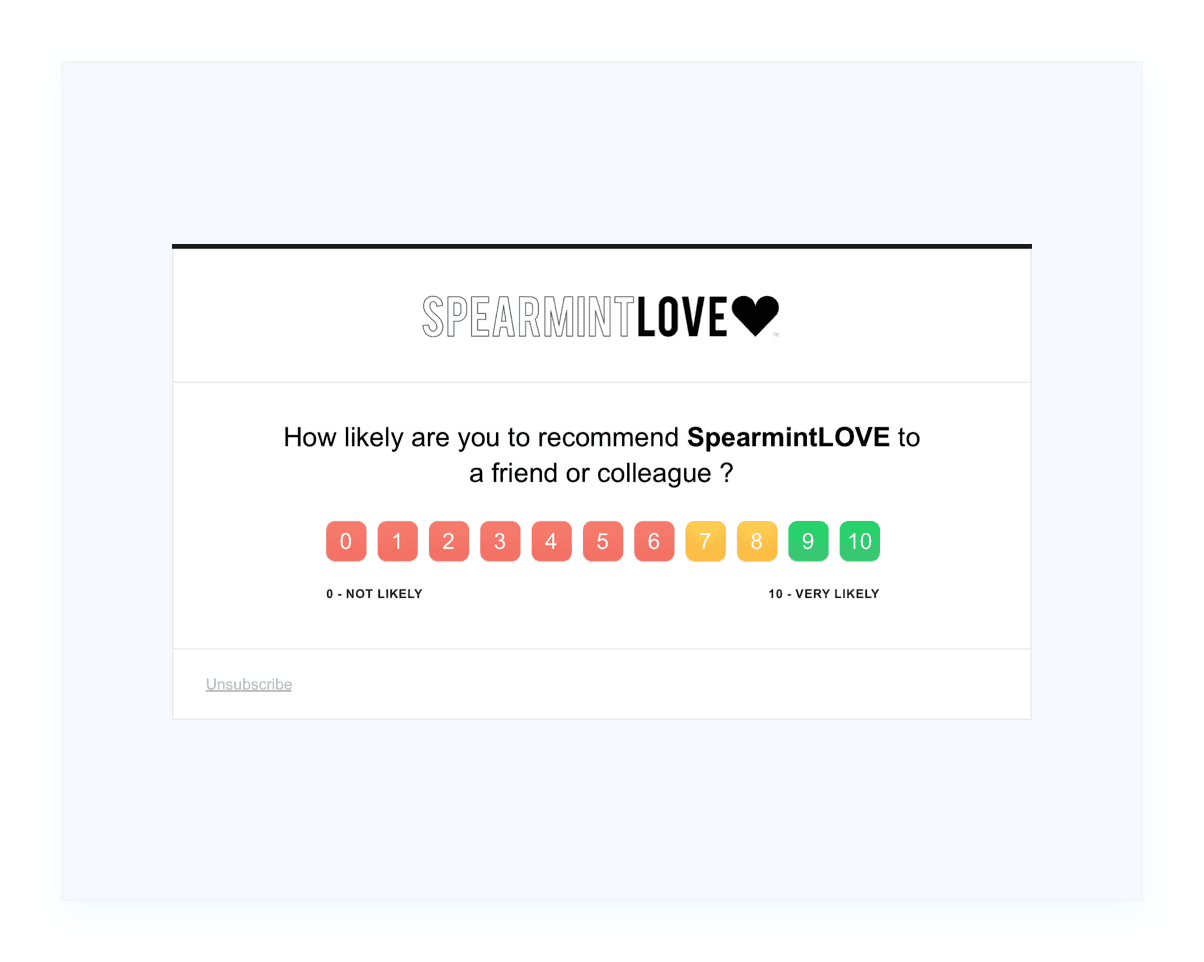
A survey sent seconds after checkout measures your checkout. A survey sent after delivery measures your product. Choose the moment that answers the question you are actually asking.
- On a new order: Catch the buying experience while it is fresh, ideal for CES and checkout friction.
- On a fulfilled order: Ask for NPS once the parcel has shipped, so the score reflects the product and the delivery.
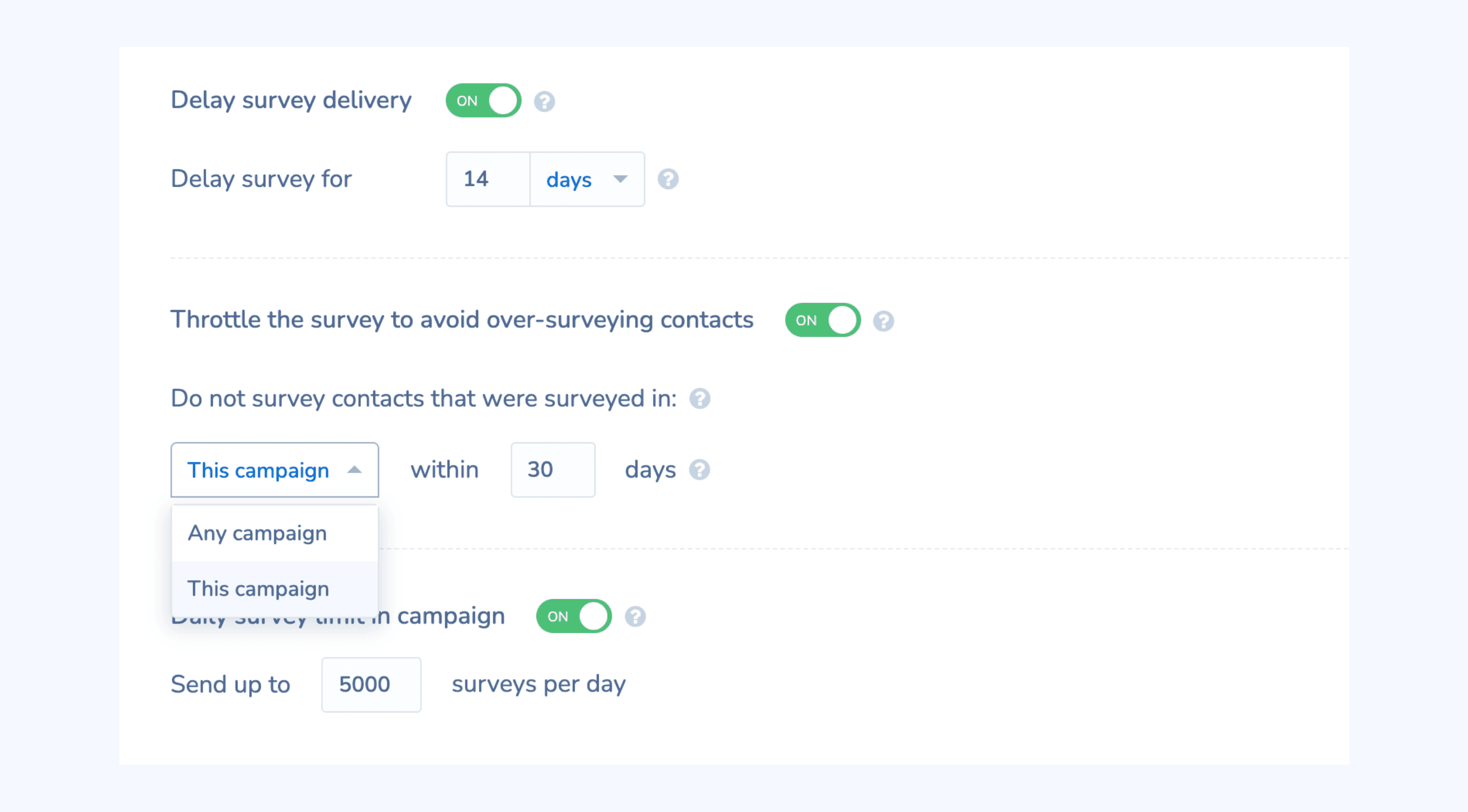
- On your own delay: Add a waiting period before the send, and throttle how often the same customer can be surveyed.
Every Response Carries Its Order
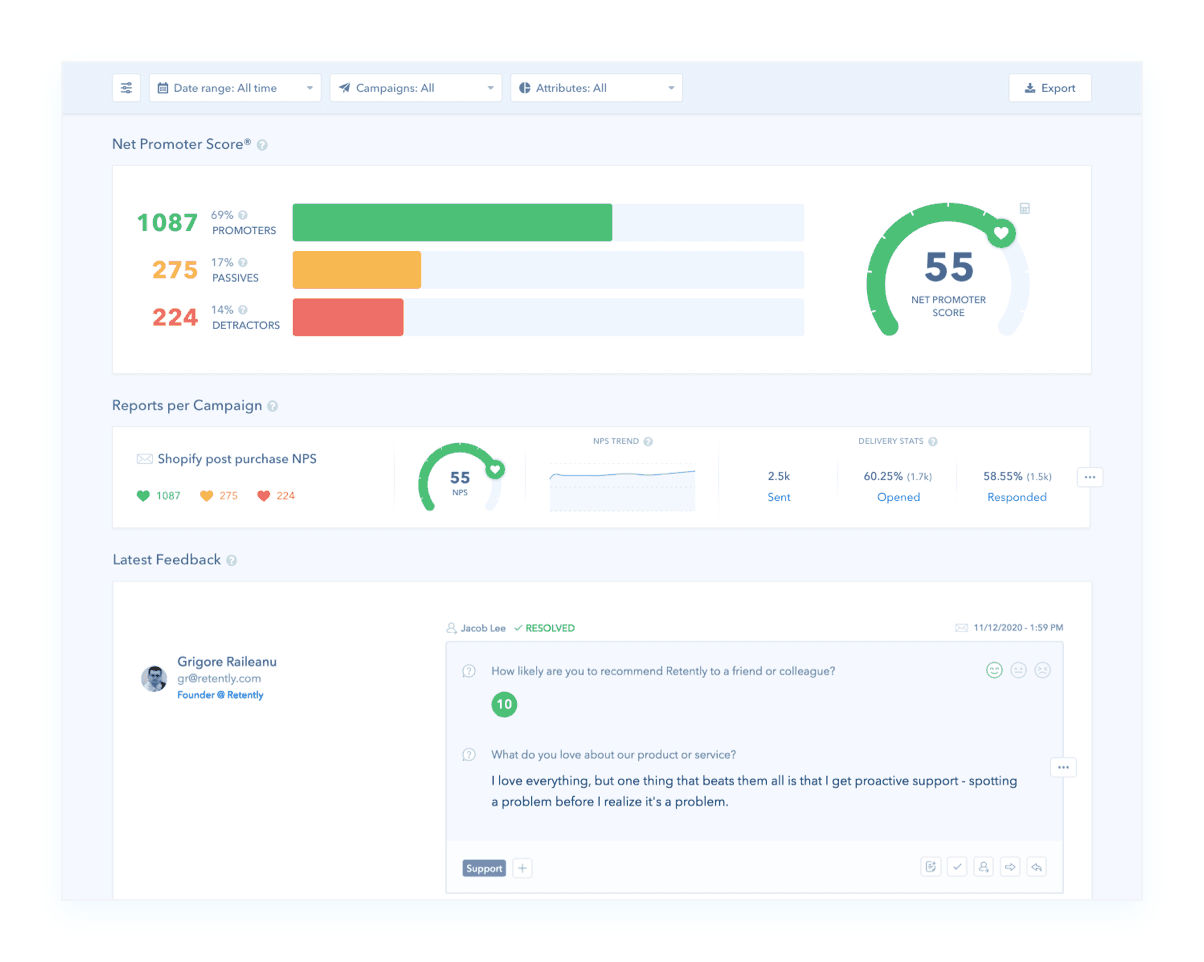
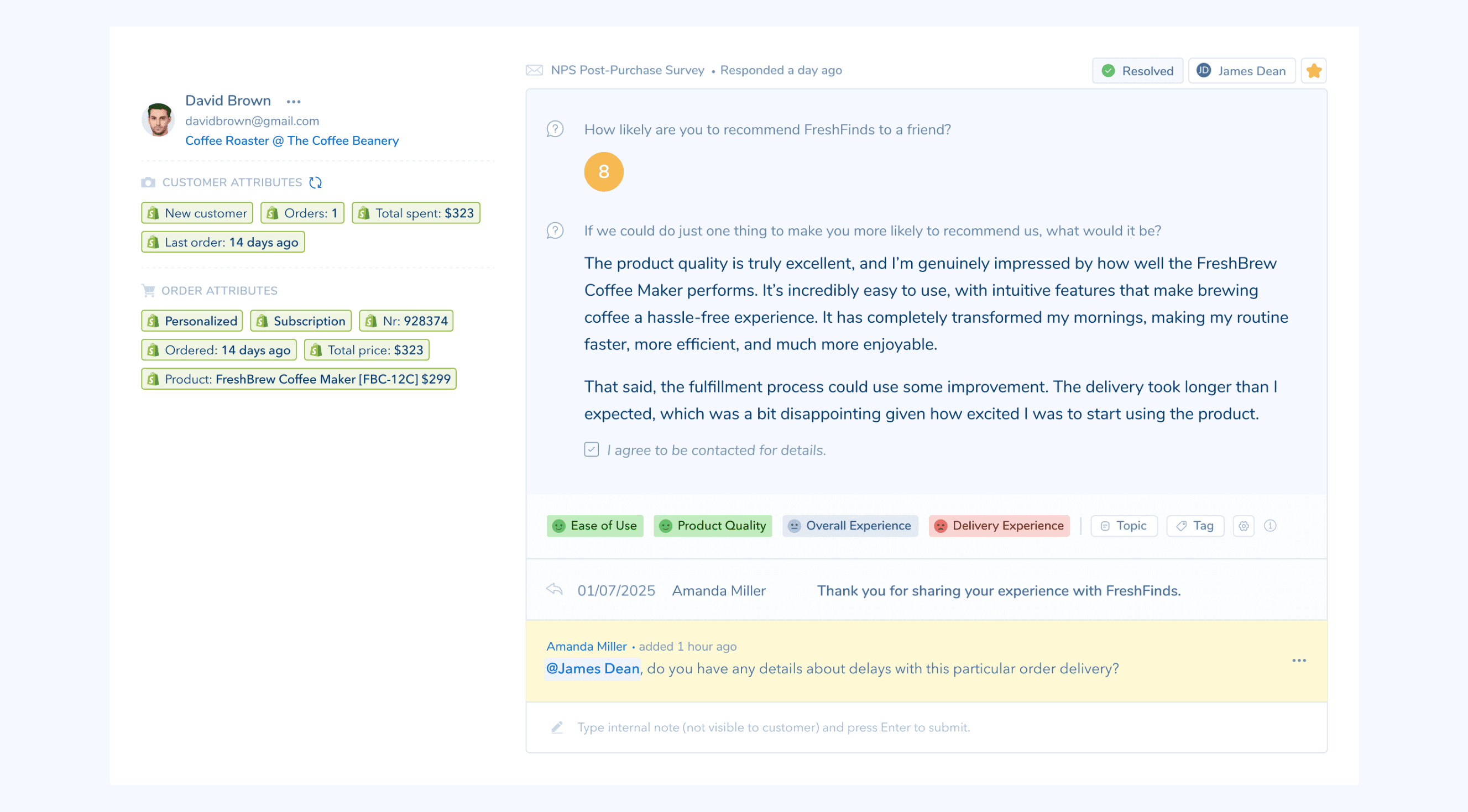
When a Shopify order triggers a survey, Retently keeps the order attached to the answer. A 6 out of 10 stops being an anonymous number and becomes a 6 on a specific variant, bought with a specific discount code, shipped to a specific country.
- Order context: Order number, order value, item count, coupons, order tags, fulfillment status, and fulfillment date.
- Product context: Product name, base SKU, and the full variant SKU with colour, size, and any other option encoded in it.
- Customer context: New or returning, lifetime orders, lifetime spend, and the date of their last order.
Survey the Orders Worth Surveying
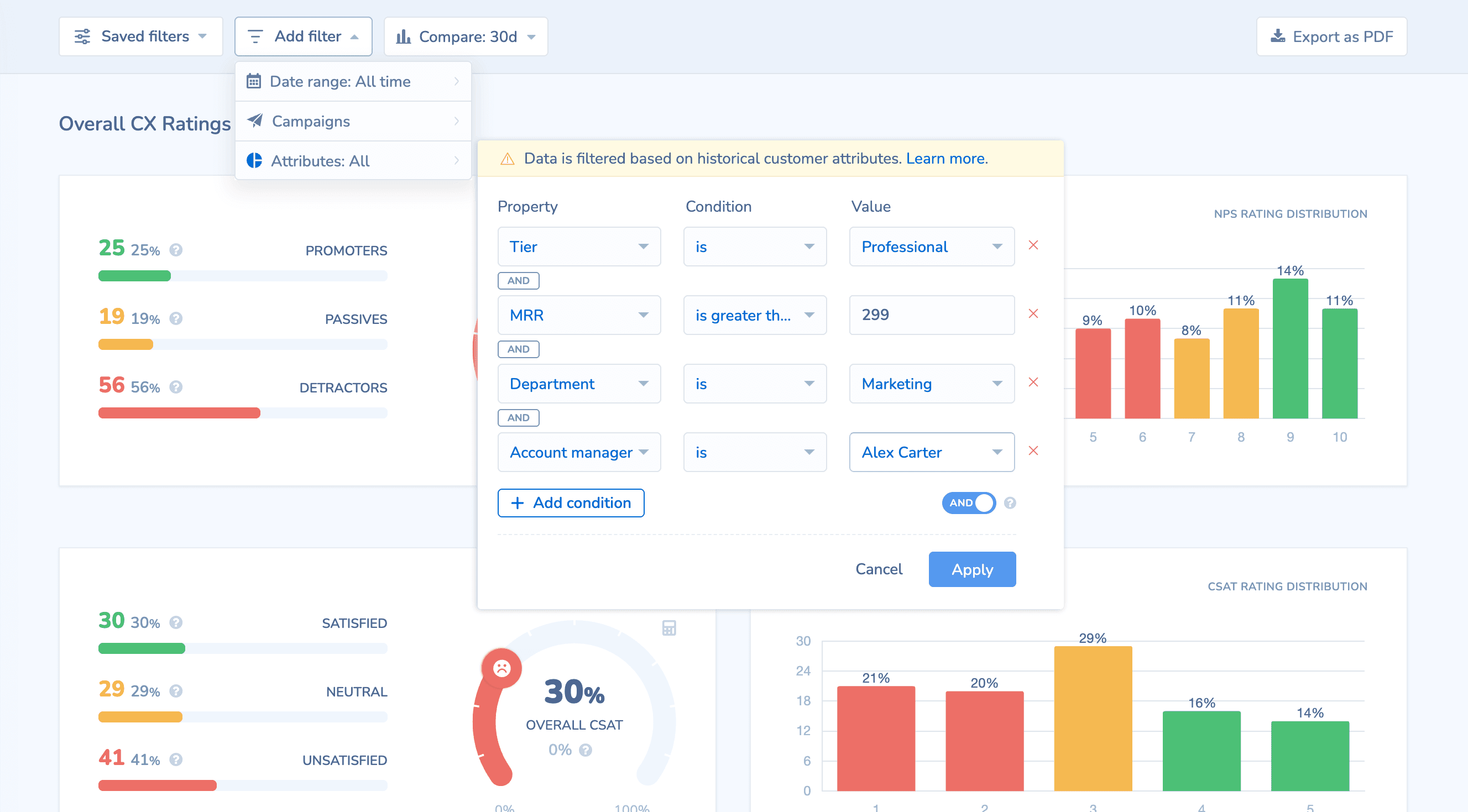
Blasting every order is how you burn your list and get a response rate that flatters nobody. Build the audience from the same Shopify attributes that arrive with the order.
- By customer value: Repeat buyers only, first-time buyers only, or orders above a value threshold.
- By catalogue: One campaign per product line, matched on product name or SKU, so the questions fit what was actually bought.
- By exception: Exclude wholesale, subscription, or test orders using the order tags your team already applies in Shopify.
See Which Products Are Dragging the Score
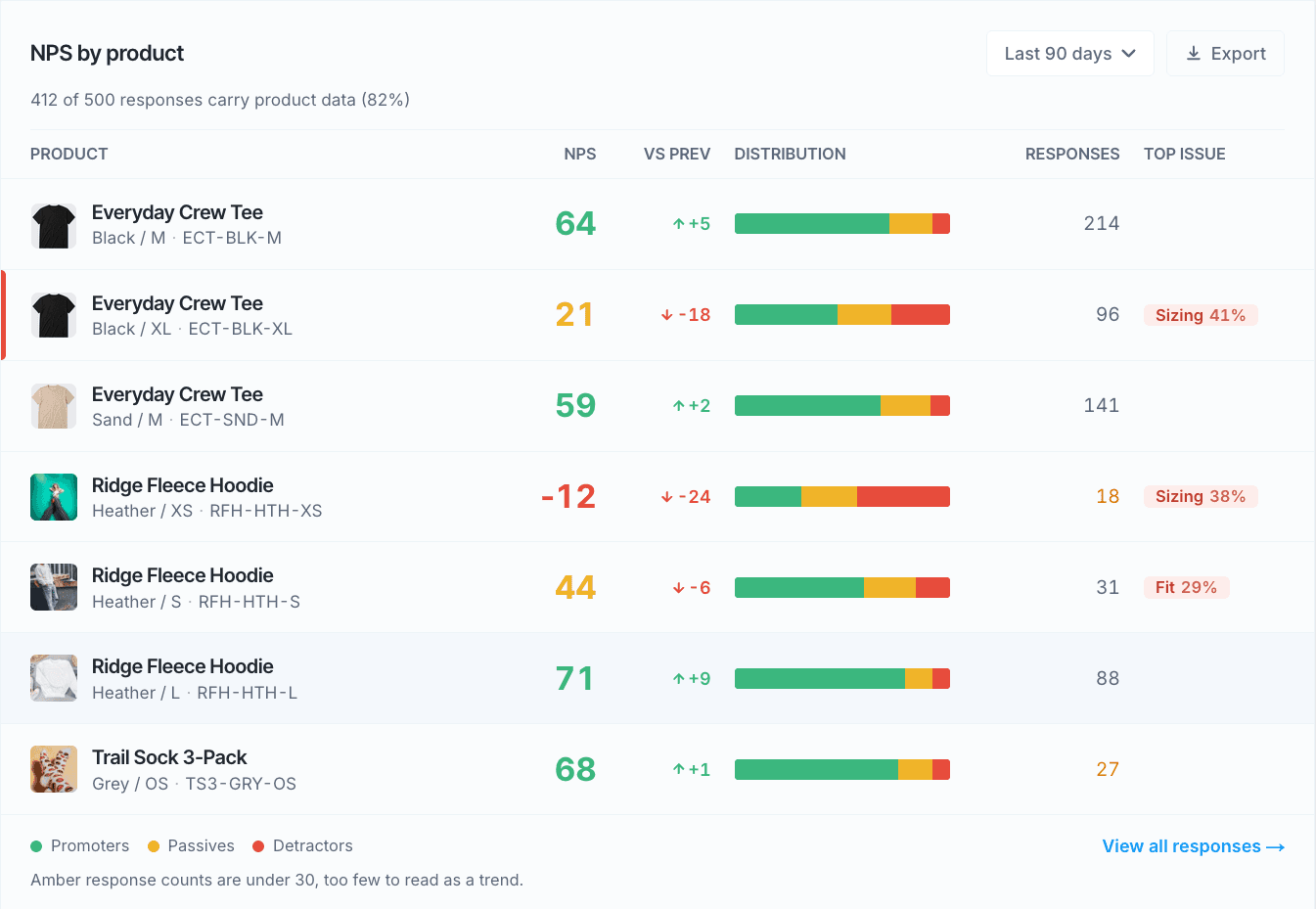
Your catalogue average hides the problem. Break the score down to the level where you can actually do something about it, then read the responses behind every number.
- NPS by product and variant: Segment by product name, base SKU, or full variant SKU, so a sizing issue on one width does not hide inside the product average.
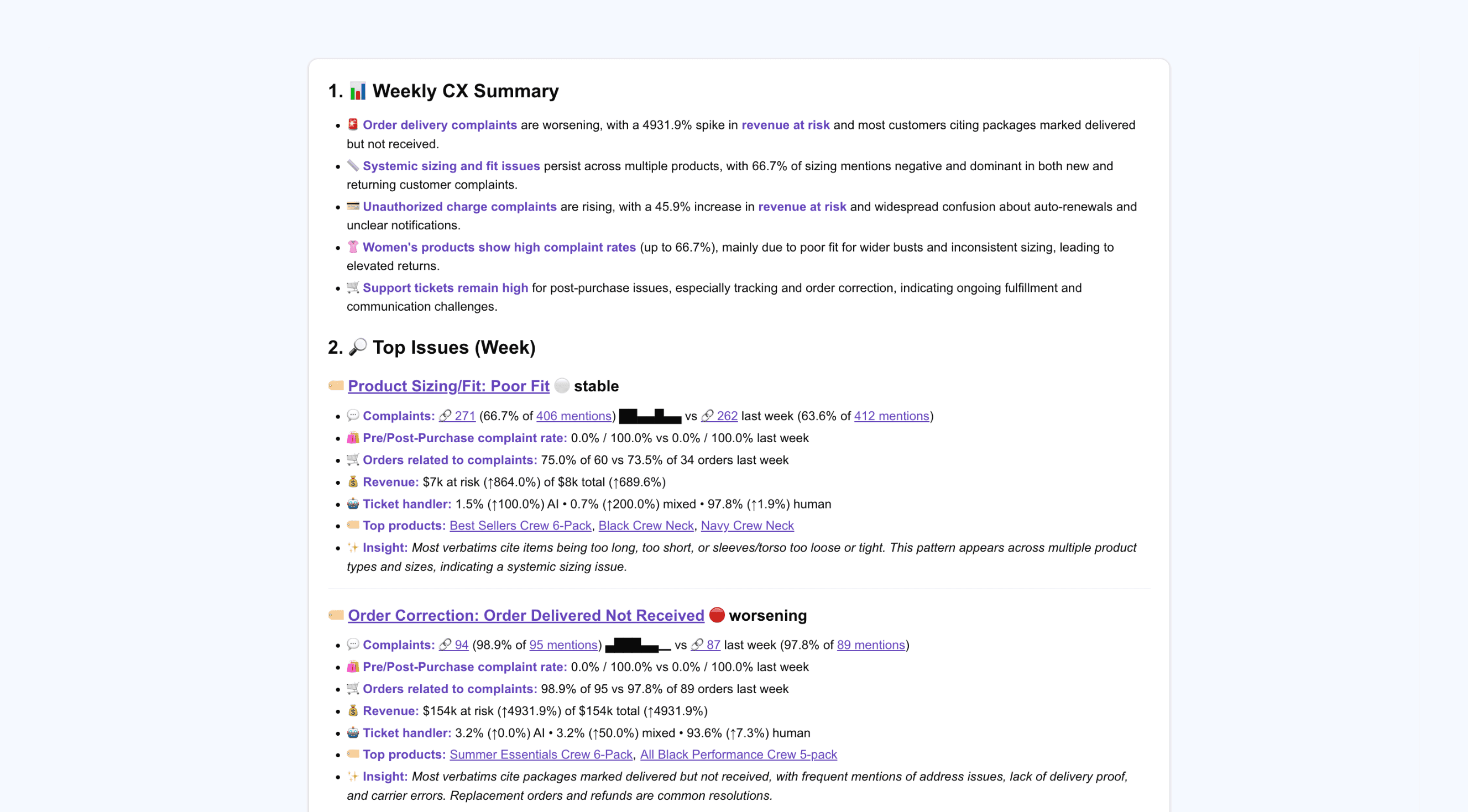
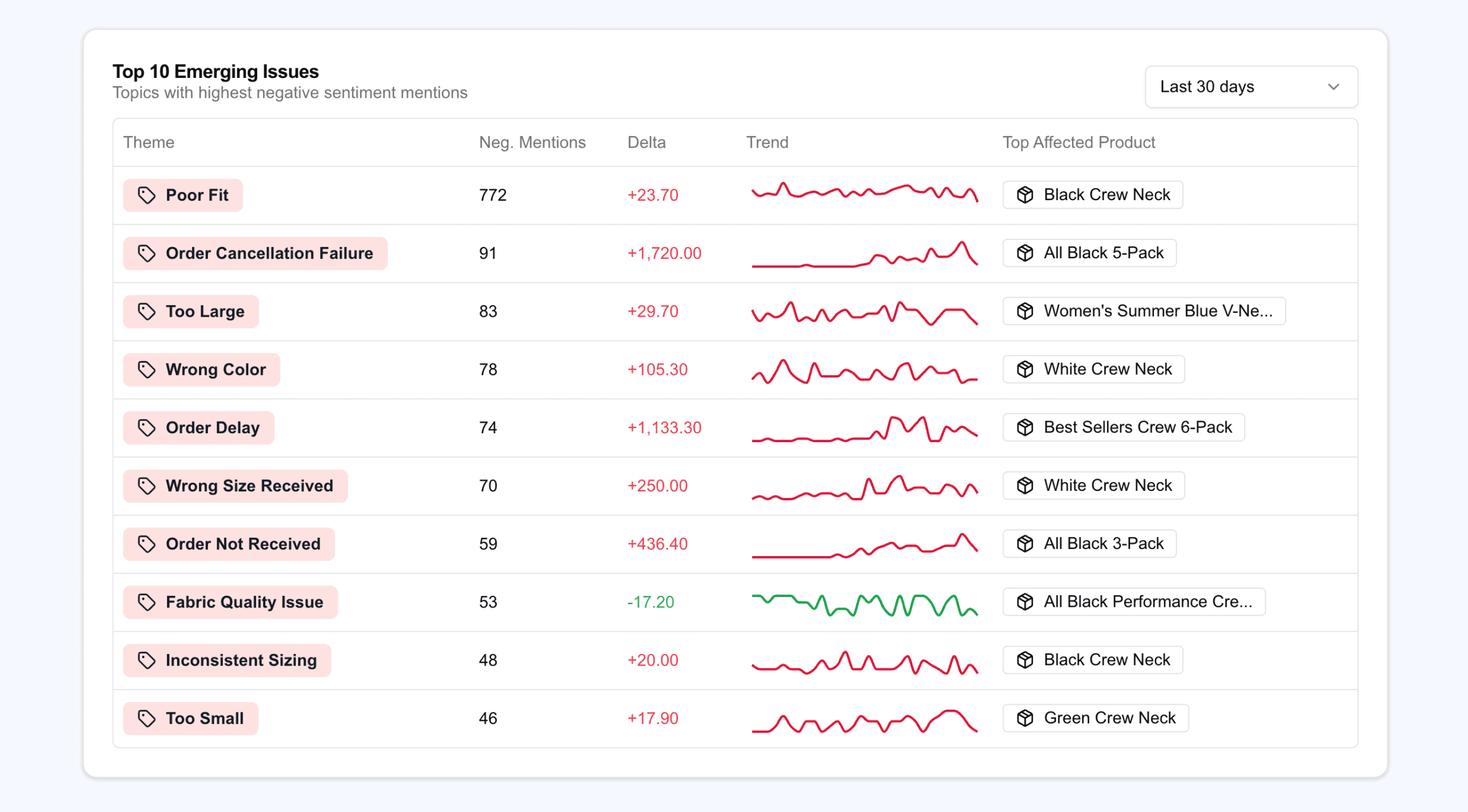
- Themes tied to products: Every response is classified into topics and sentiment automatically, with the products mentioned alongside each theme.
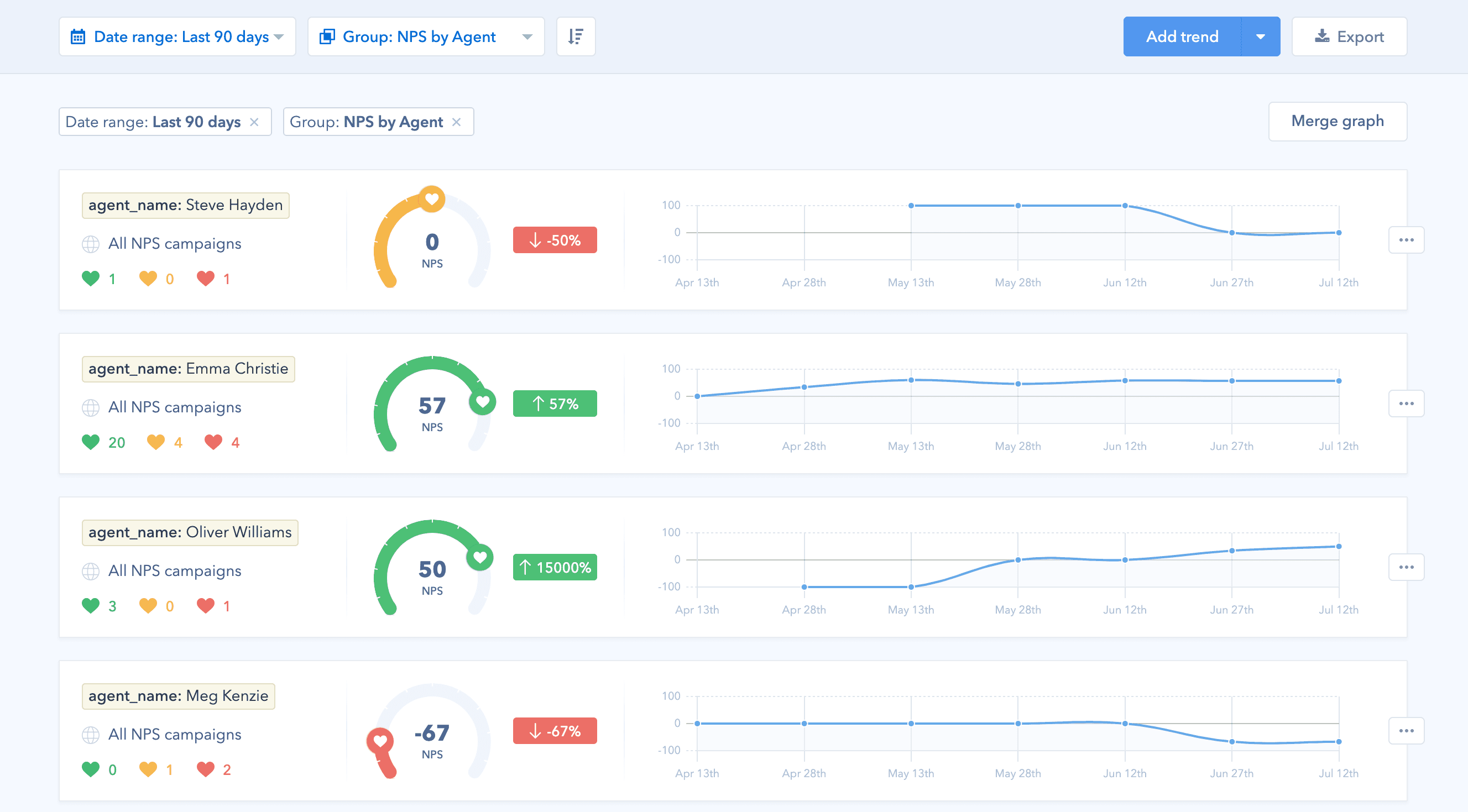
- Trends over time: Track a product line, a discount cohort, or a shipping destination as its own trend and watch it move.
- Ask in plain language: Connect Claude, ChatGPT, or any MCP client to the Retently MCP server and ask which SKU is driving detractors this month, with the order data already attached to the answer.
Online, In Store, and Everywhere You Ship
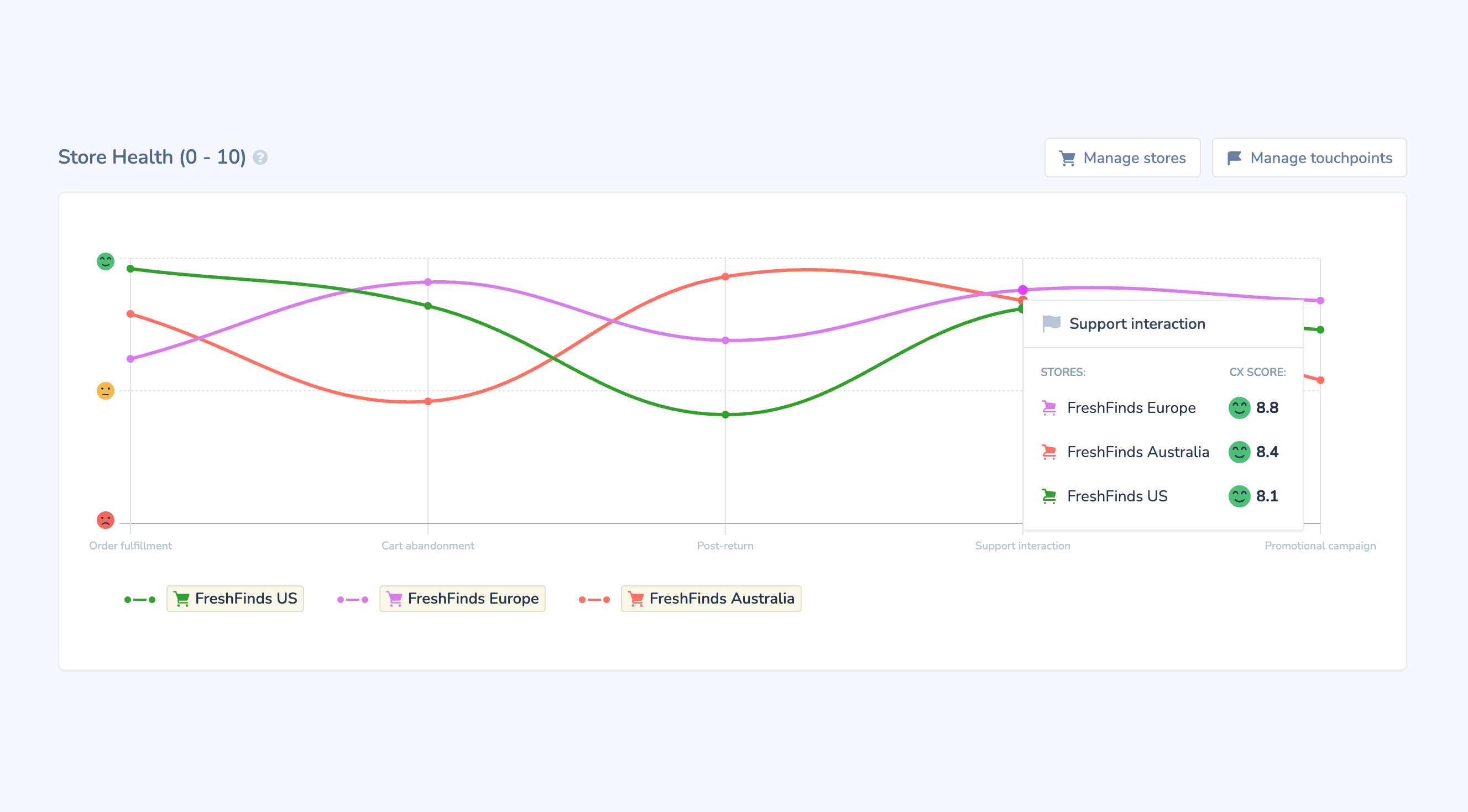
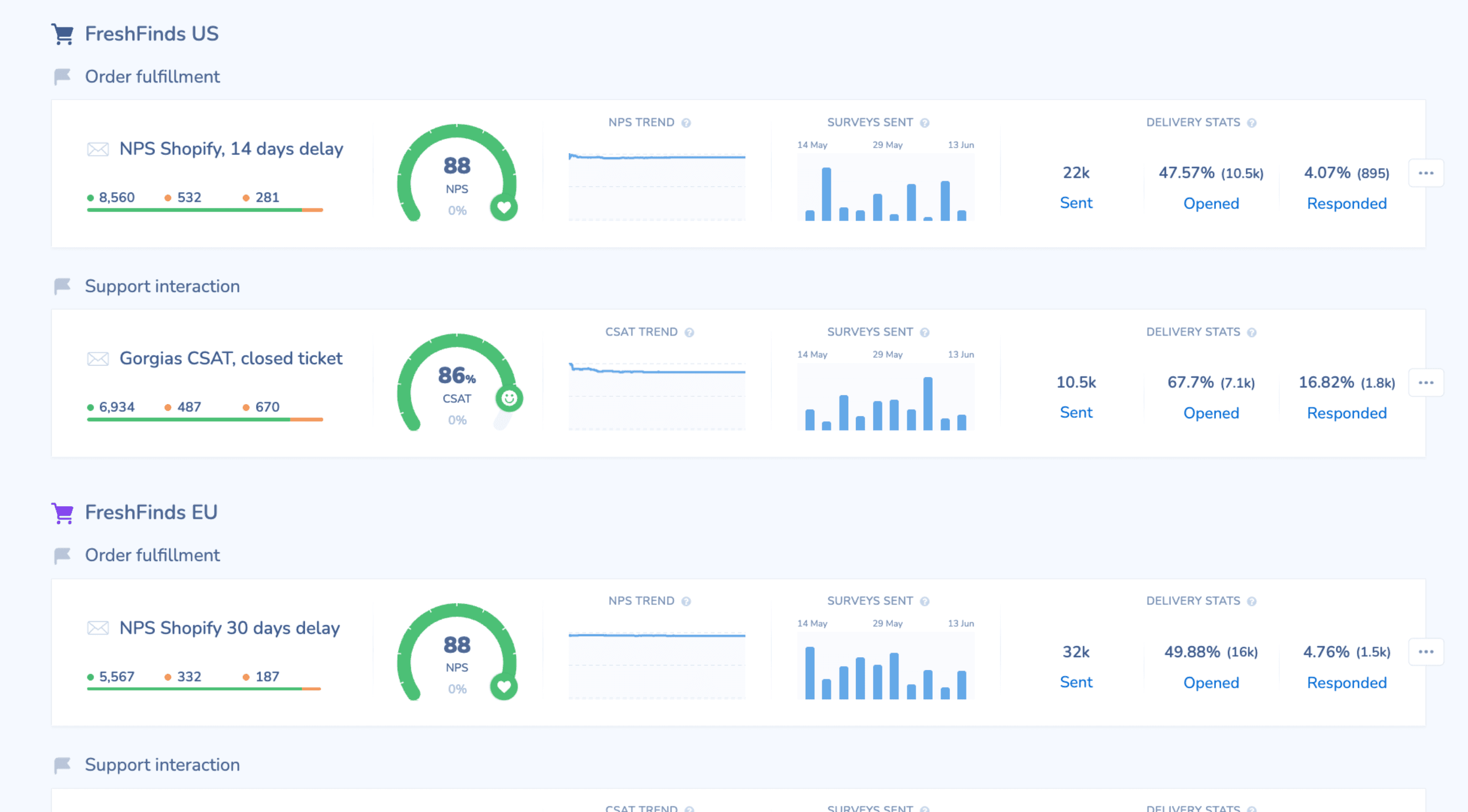
If you sell through more than a single storefront, an account-wide score tells you almost nothing. Retently splits it by where the order came from and where it went.
- Sales channel: Separate online orders from Shopify POS, so an in-store experience is never scored as an ecommerce one.
- Store location: Route buyers from each physical location into their own survey and compare locations side by side.
- Geography: A country and state breakdown built from the shipping address on the order, so fulfillment problems in one market surface on their own.
- Multiple stores: Roll several Shopify stores into one view, then drill into any one of them.
Close the Loop Before They Post About It
A detractor who hears from you within a day is a retention opportunity. One who hears from you in a week is a public review.
- Autoresponders by score: Trigger a personalised follow-up automatically on the score and the feedback you received.
- Alerts to the right people: Push low scores to Slack or email the moment they land, with the order attached so support does not have to go looking for it.
- Reminders: Nudge customers who did not answer the first time, without resurveying the ones who did.
Turn Happy Buyers Into Reviews
The best moment to ask for a review is the moment someone has just told you they love the product. Retently is where that moment is captured, so you can point it at whichever review platform you already run.
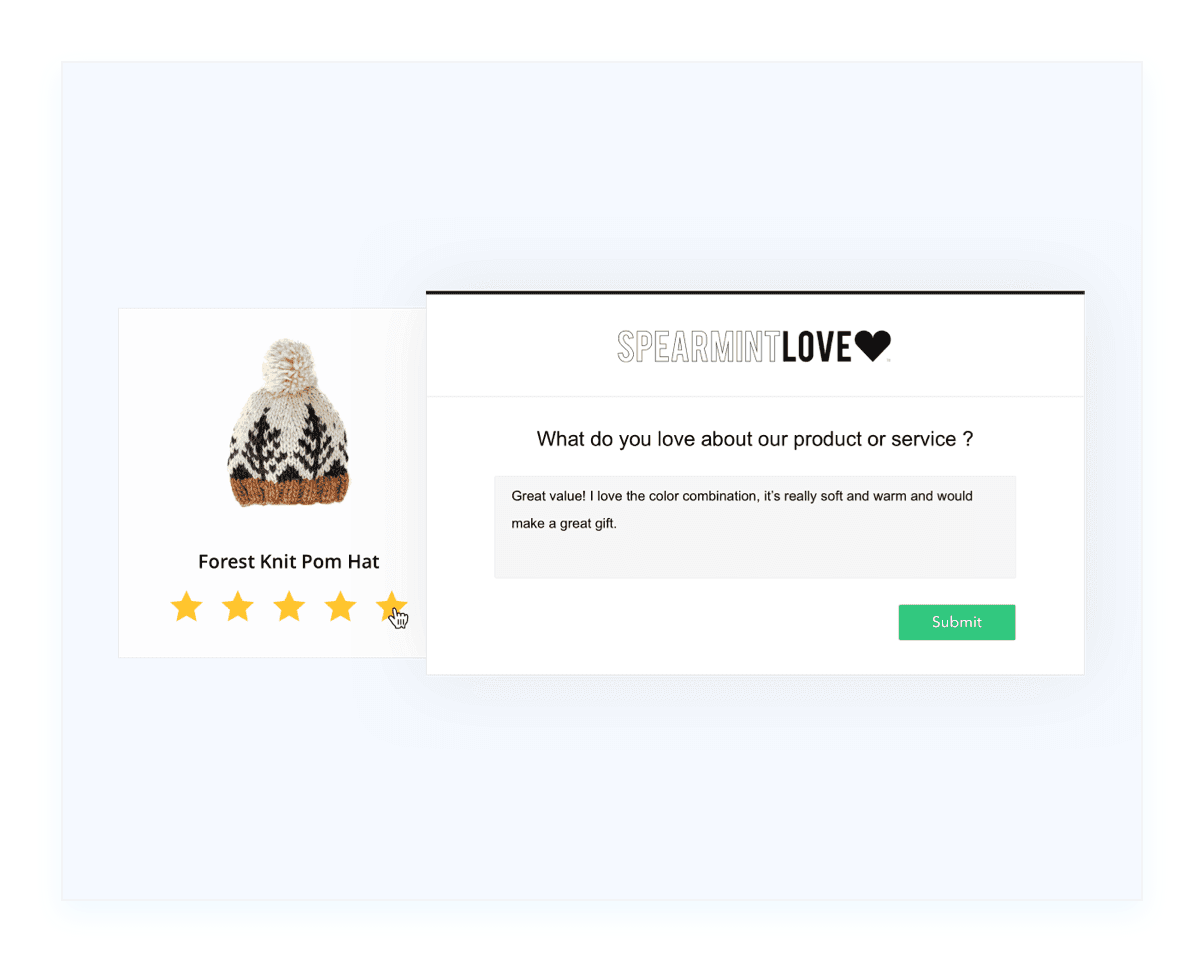
- Rate the product: Run a 5-star, emoji, or thumbs campaign on the order and collect product-level ratings alongside NPS.
- Ask on the thank you page: Add a call to action on the post-survey page, shown to the scores you choose, linking to Loox, Judge.me, Stamped, Yotpo, Trustpilot, or wherever you collect public reviews.
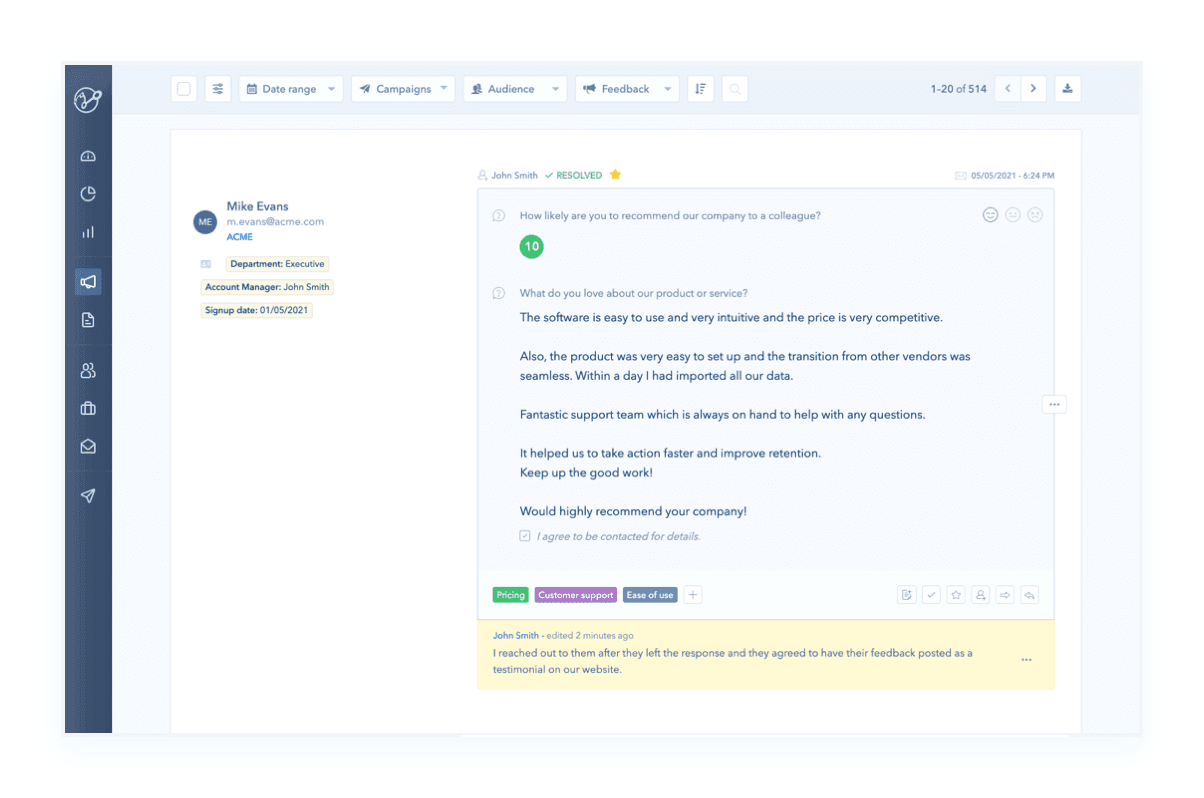
- Use the words they gave you: Promoter comments come through as quotable feedback you can take to your product and marketing teams.
Integrate Code-Free, No Developers Required
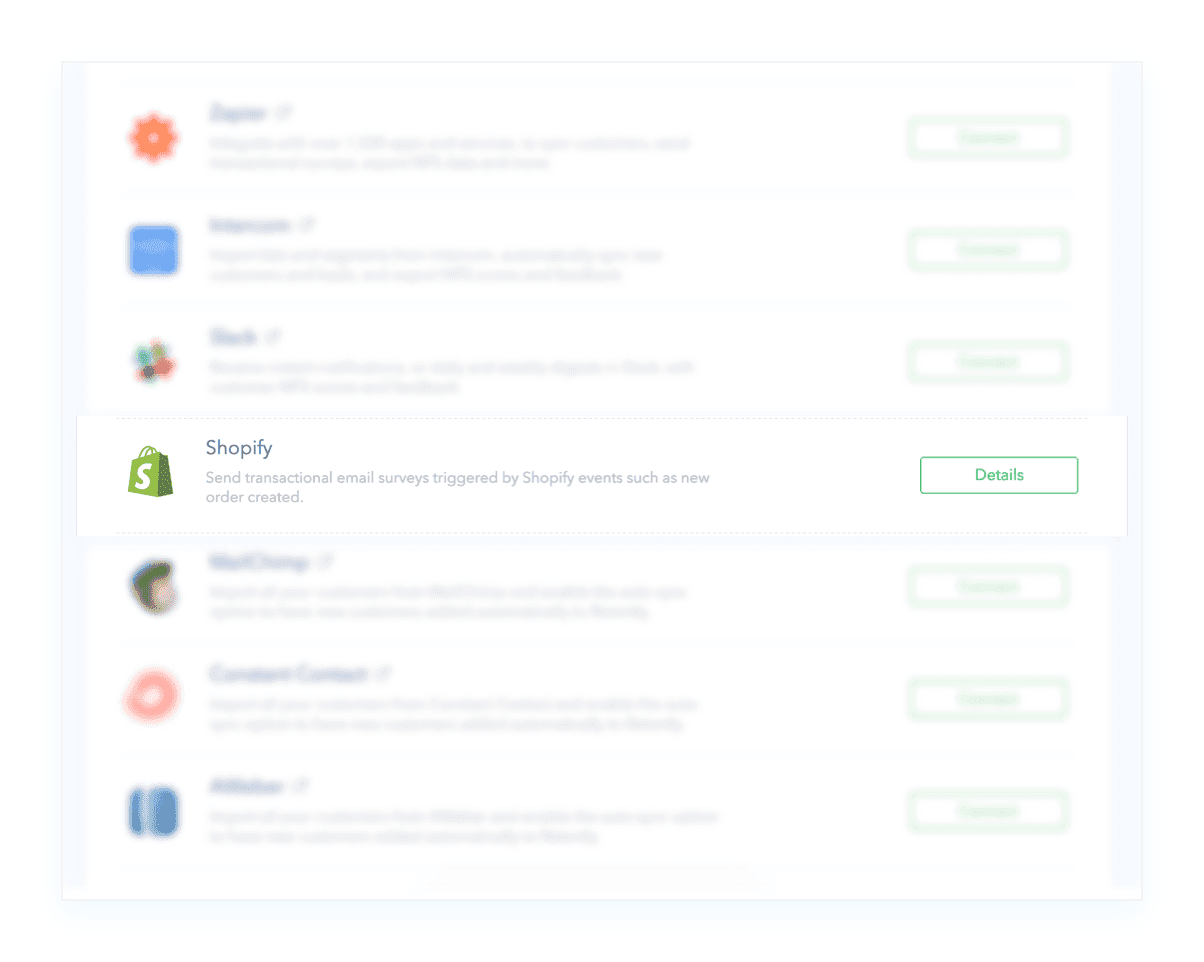
Integrating Shopify and Retently is quick and hassle-free. Just add a Retently webhook link as an action in a Shopify automation rule.
- No code, no build: Nothing to install in your theme and no engineering ticket to raise.
- Set up on a call: Onboarding is two thirty-minute calls, and most brands have their first automated surveys going out during the first one.
- Bring your history: Past responses and customer properties from your previous tool can be imported, so your trends and segments stay intact.
Connect the Rest of Your Stack
Shopify covers the purchase. Add the rest of your ecommerce stack to collect feedback at every other touchpoint that shapes the score.

Gorgias
Automatically sends a CSAT survey when a support ticket is closed.

Klaviyo
Delivers a survey when a customer enters a segment or when a Flow event fires.

Yotpo
Sends a targeted survey whenever specified Yotpo Flow events occur.

Richpanel
Automatically sends a CSAT survey when a support ticket is closed.

Gladly
Triggers a CSAT survey when a conversation is closed.

Zapier and webhooks
Trigger surveys from anything else in your stack using Zapier, webhooks, or our REST API.