Embedded Surveys That Live Inside Your Page
What Is an Embedded Survey?
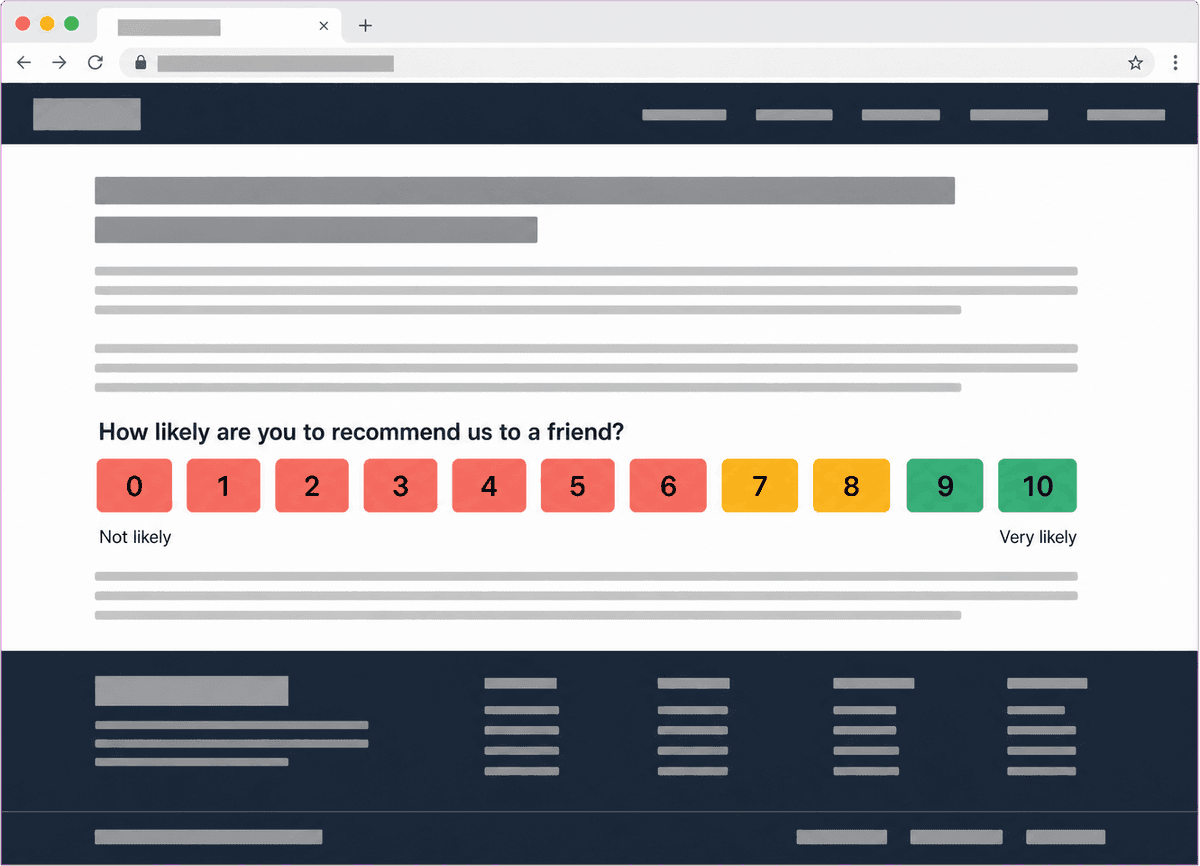
An embedded survey is a customer feedback survey rendered natively inside the content of your web page. It sits in a spot you choose, in the flow of the page, just like a paragraph, an image or a form would. Nothing pops up, nothing covers the page, and the visitor is never sent to another URL. People also call this an inline survey, an on-page survey, an in-page survey, a website survey, a website feedback form or a web page survey widget; these terms all describe the same thing.
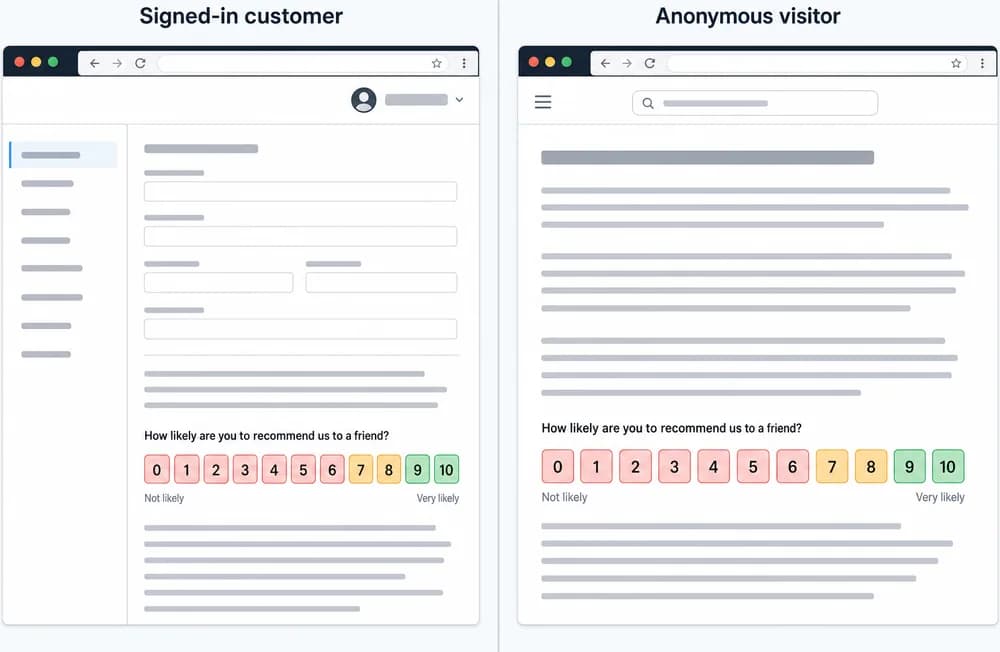
Embedded surveys are installed through the Retently website script. Once the script is on your site, you pick the survey you want to show, choose where on the page it should appear, and the survey is rendered there for anyone who loads that page. It works for identified visitors, such as customers logged into their account, and for anonymous visitors alike, so you can use it on public pages as well as behind a login.
Because the survey is part of the page rather than an interruption, it is a natural fit for always-on feedback: a rating at the bottom of every help article, a short questionnaire on the order confirmation page, a satisfaction question on the account page. Embedded surveys run on a scheduled or always-on basis rather than being fired by a specific event, and they use the same templates, branding, question branching, AI topic and sentiment analysis, segments, alerts and integrations as your email, link and in-app surveys.
Why Embed a Survey in Your Page
The survey meets visitors where they already are, without interrupting what they came to do.
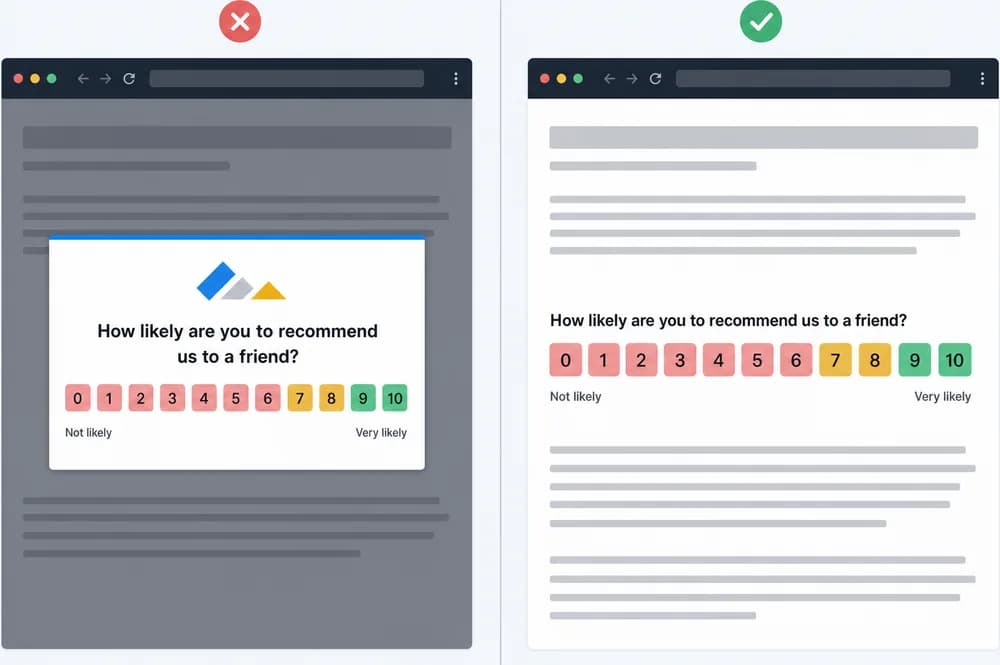
No pop-up, no overlay, no redirect
The survey is rendered as part of your page content. Visitors see it in context, answer in place and carry on reading or shopping. There is nothing to dismiss and no new tab to open.
That makes embedded surveys well suited to pages where a pop-up would feel intrusive: help centers, documentation, checkout confirmations and account areas.
Works for logged-in and anonymous visitors
When a visitor is identified, for example because they are signed into your customer portal, the response is tied to their contact record with all of their properties and history.
When the visitor is anonymous, the response is still captured and reported, so public pages such as help articles, landing pages and blog posts can collect feedback too.
Same templates, branching and branding
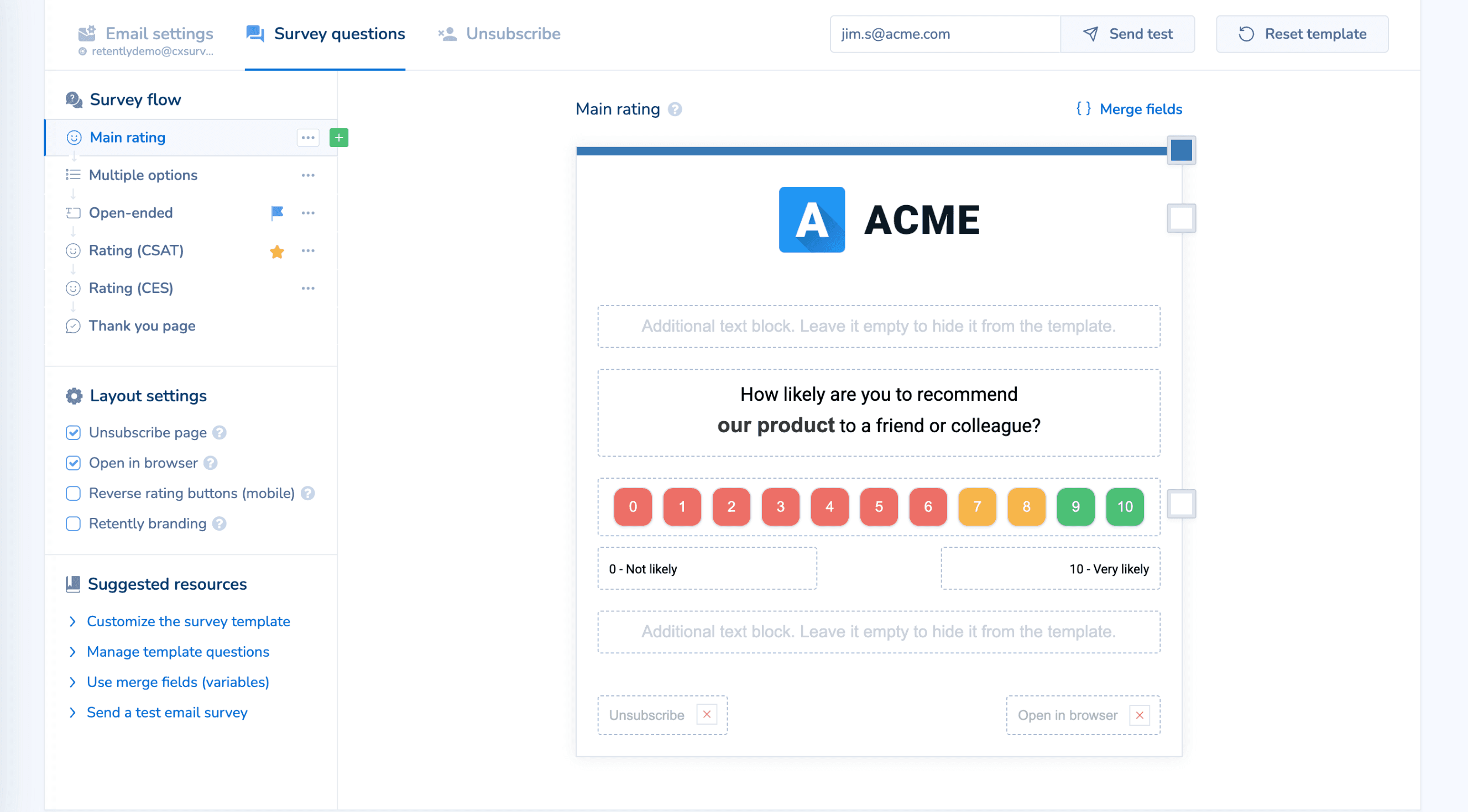
Choose NPS, CSAT, CES, 5-star, emoji, thumbs up/down or Product-Market Fit, apply your logo, colors and language, and add merge fields where the visitor is known.
Follow-up questions branch by score, so promoters, passives and detractors each see a relevant next question, and the thank-you screen can include links such as a Google reviews link.
One reporting and follow-up workflow
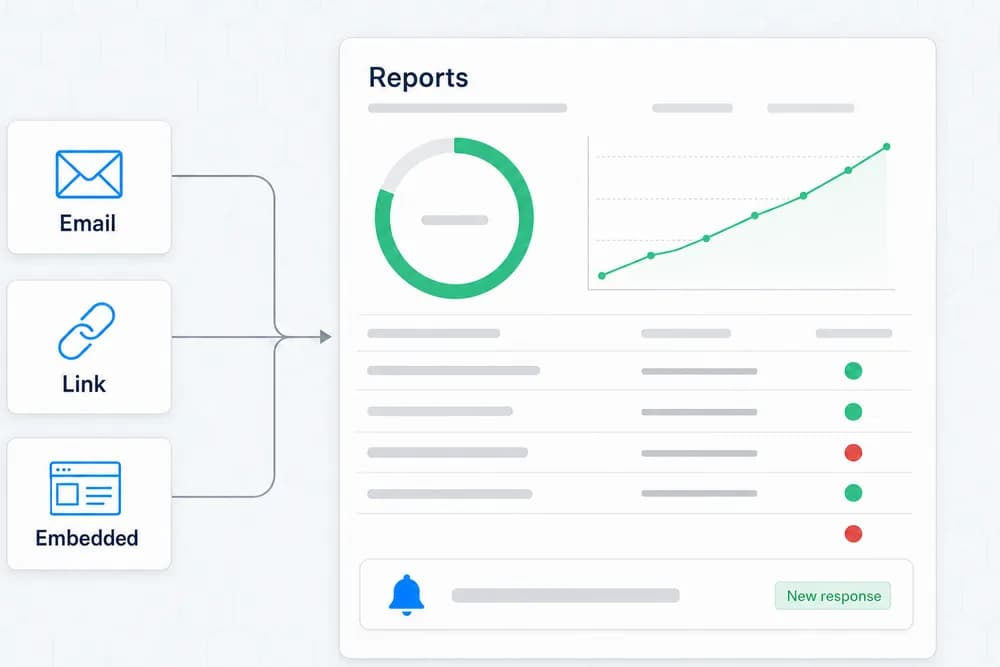
Responses from embedded surveys flow into the same reports as every other channel, with AI-generated topics and sentiment, segments and trends. Alerts go to email, Slack or Microsoft Teams, automated follow-ups fire by score, and outbound webhooks and integrations with tools such as HubSpot, Salesforce, Zendesk, Gorgias, Shopify and Klaviyo push feedback where your team works.
Common Ways to Use Embedded Surveys
Help articles and documentation
Add a rating at the end of every help center article to learn which pages solve the problem and which need work.
Order confirmation pages
Ask a quick CSAT or CES question on the confirmation page while the checkout experience is still fresh.
Account and settings pages
Show a relationship NPS survey inside the customer account area to logged-in users, tied to their contact record.
Thank-you pages
Place a short survey on the page shown after a signup, booking or download to capture first impressions.
Landing pages
Collect feedback from anonymous visitors on campaign and product landing pages without a pop-up getting in the way.
Blog posts and content
Let readers rate an article inline and tell you what they would like to read next.
How Embedded Surveys Work in Retently
- 1
Install the Retently website script
Add the script to your site once. The same script powers embedded surveys, in-app pop-up surveys and the feedback button. - 2
Build the survey
Pick NPS, CSAT, CES, 5-star, emoji, thumbs or Product-Market Fit, customize the template with your branding and language, and set up follow-up questions that branch by score. - 3
Choose where it appears
Select the spot on the page where the survey should render, whether that is the end of a help article, an order confirmation page or an account page. The survey is shown on a scheduled or always-on basis. - 4
Collect, analyze and follow up
Responses from identified and anonymous visitors flow into reports with AI topics and sentiment. Set alerts, automated follow-ups, webhooks and integrations so each answer reaches the right person.
Embedded Survey vs. Link Survey: What Is the Difference?
These two are easy to mix up, because a survey link can be "embedded" in an email. They are different channels.
An embedded survey is rendered inside your own web page as part of the page content, via the Retently website script. There is no pop-up, no overlay and no redirect. The visitor answers right there on your page.
A link survey is a URL hosted by Retently. You paste that URL, a button pointing to it or a QR code into anything you like: your own email tool, a chat, an email signature, a text message, a help-desk macro. The respondent clicks and answers on a Retently-hosted page in their browser.
Putting a survey link or score buttons into an email is not an embedded survey. It is a link survey distributed by email. If you want a survey in a message you send from another system, see Link Surveys. If you want a survey that lives inside a page on your website, you are in the right place.
Combine It With Other Survey Channels
Every channel feeds the same contact records, reports and automations, so you can mix them freely and compare results side by side.
In-App Surveys
Pop-up surveys shown inside your web app or customer portal while people are using it.
Feedback Button
An always-on feedback tab on your site that visitors open whenever they have something to say.
Link Surveys
One shareable survey URL you can paste into any message, signature, QR code or chat.